How to Export a Route as GPX for Your Bike Computer, Watch or Phone
Download any route as a GPX file, send it with the share sheet, copy it to the clipboard, or back up your whole library with a GPX of every route.
Quick answer
In TrailScout open the route and press Share (or ⋯ → Download GPX). Download GPX saves a .gpx file you can copy to a bike computer or GPS watch through its own app or a USB cable; Share… sends it with the phone's share sheet; Copy the GPX puts it on the clipboard. Export JSON keeps everything TrailScout knows about the route, and Back up library saves a .zip with every route, its versions, your settings and a GPX of each route.
Key takeaways
- GPX works with practically every bike computer, GPS watch and outdoor app.
- Waypoints you added (marked spots, pinned POIs) go into the GPX.
- Export JSON for a full copy for TrailScout; GPX for everything else.
- Back up the whole library to one .zip — it includes a GPX of every route.
You planned the perfect route on the big screen. Now it needs to get onto the device on your handlebar — or to the friend who's riding with you. GPX is the format that gets it there.
How to download a route as GPX
- Open the route in TrailScout.
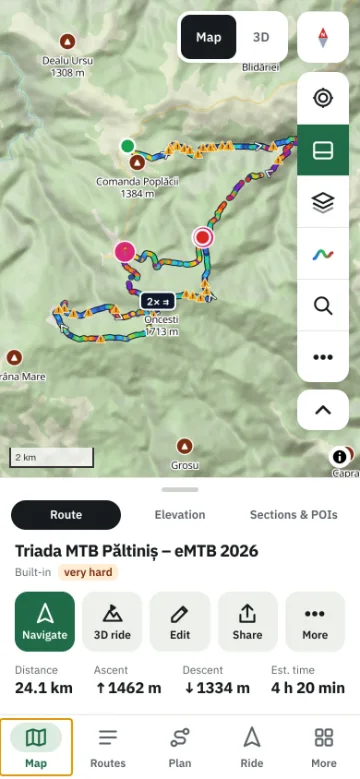
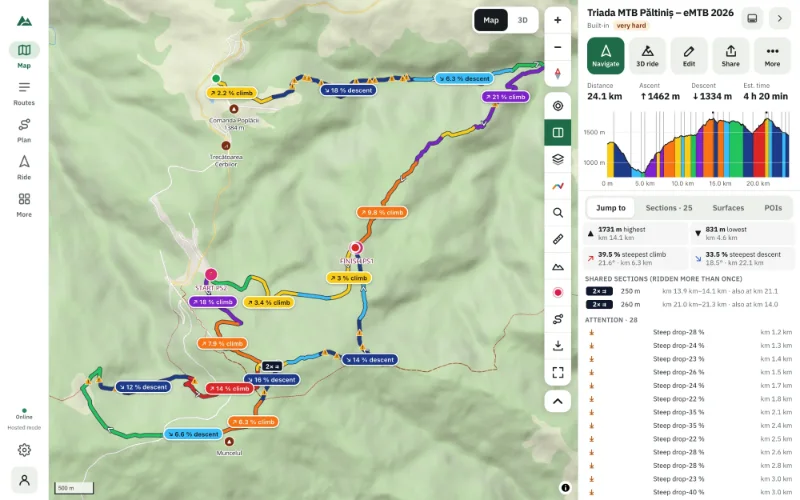
- Press Share in the route panel, or the route's ⋯ menu → Download GPX.
- A
.gpxfile named after the route is saved to your downloads.
Then put it on your device the way your device expects — most bike computers and watches sync GPX through their own phone app or website, and many also accept the file copied over USB into their routes or courses folder.
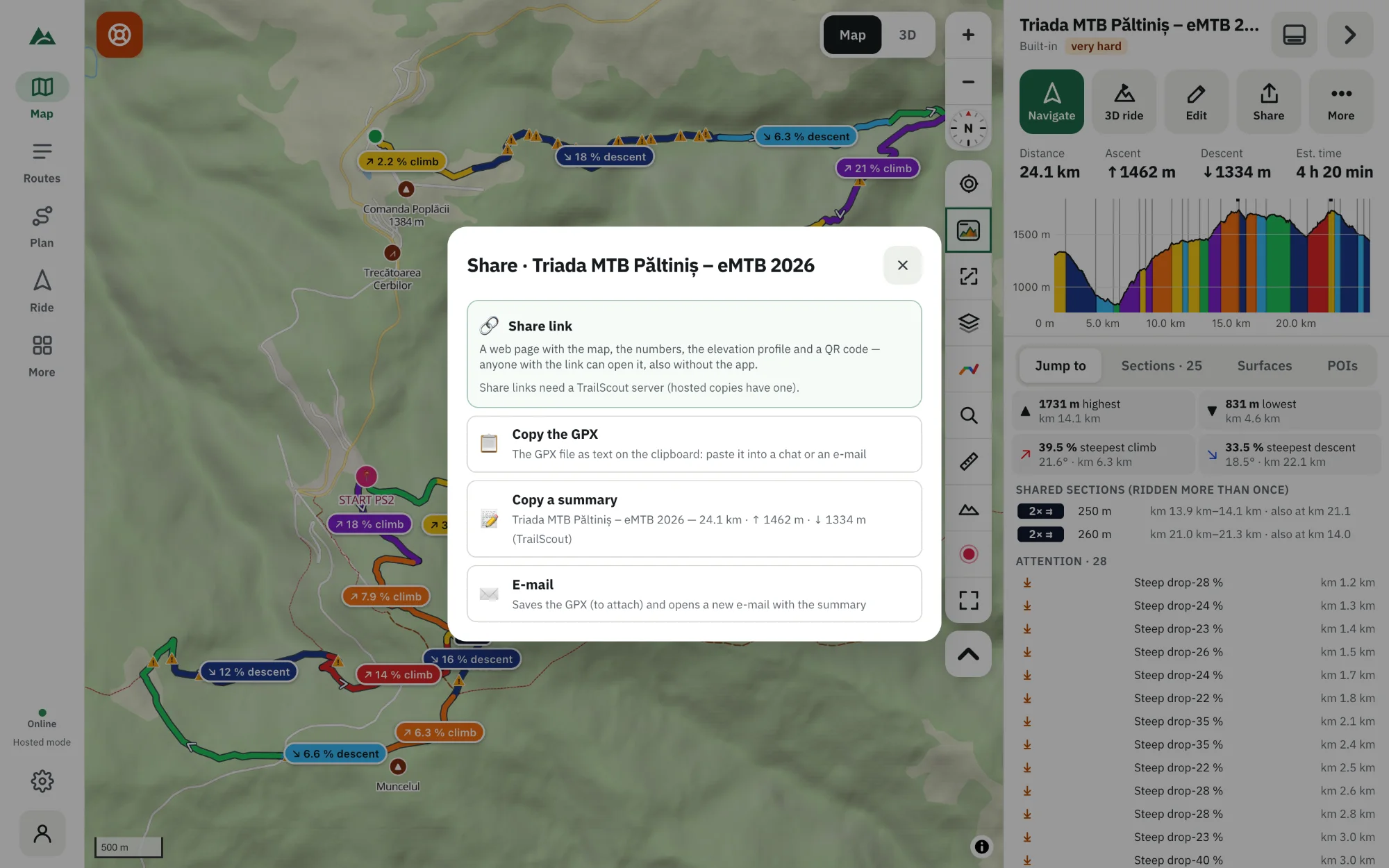
Other ways to send it
| Option | What it does |
|---|---|
| Share… | opens the system share sheet with the GPX file — messages, mail, AirDrop, chat apps |
| Copy the GPX | the file as text on the clipboard, to paste into a chat or an e-mail |
| Copy a summary | name, distance and climbing as one line of text |
| saves the GPX to attach and opens a new e-mail with the summary | |
| Link | with an account on a TrailScout server: a page with its own link (you can stop it any time) |
What's in the exported GPX
- The track: every point of the route, with heights.
- Waypoints: spots you marked, POIs you pinned, places you added from place cards — with their names and notes.
- The route's name and description.
Heights are those of the source you chose for the route (GPX or terrain).
GPX or JSON?
GPX is for other devices and apps. Export JSON (in the ⋯ menu) is a TrailScout file with everything: the stats, terrain heights, days of a multi-day ride and the builder plan (waypoints and legs) — import it into TrailScout on another device to continue editing exactly where you were.
Back up your whole library
Your routes live in your browser on this device. To keep them safe, use Settings → Back up library: one .zip with all routes, their versions and your settings — plus a GPX of every route, readable anywhere. Restore puts a backup back (routes with the same id are replaced). With an account you can also keep routes on all your devices. See why your routes stay on your device.
Frequently asked questions
Which GPS devices can use the GPX file?
Practically all of them: bike computers, GPS watches, handheld GPS units and outdoor apps read GPX tracks.
Why doesn't my device show turn-by-turn directions from the GPX?
A GPX track is a line; some devices create turn prompts from it, others only show the line. On your phone, Bike GPS gives turn-by-turn directions from any route.
Can I export several routes at once?
Back up the library: the .zip contains a GPX of every route.
Is the exported file the same as the one I imported?
It contains your current version, including edits and added waypoints. The original file is unchanged.
Try it on your next ride
TrailScout is free, needs no account and keeps your routes on your device. It runs in the browser on phones, tablets and computers — and works offline.
Open TrailScout →