A Route Planner That Keeps Your Data on Your Device: Privacy-First Trail Planning
Why your routes and home location should stay on your phone, and how TrailScout works without accounts, cookies or tracking. What optional lookups send.
Quick answer
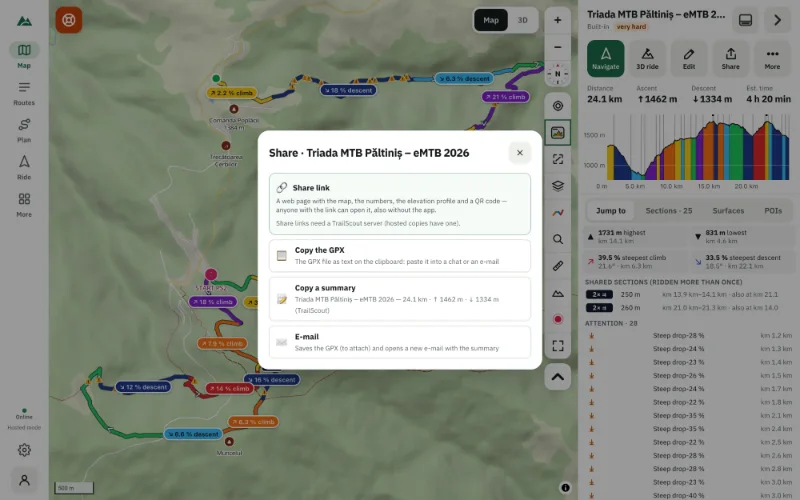
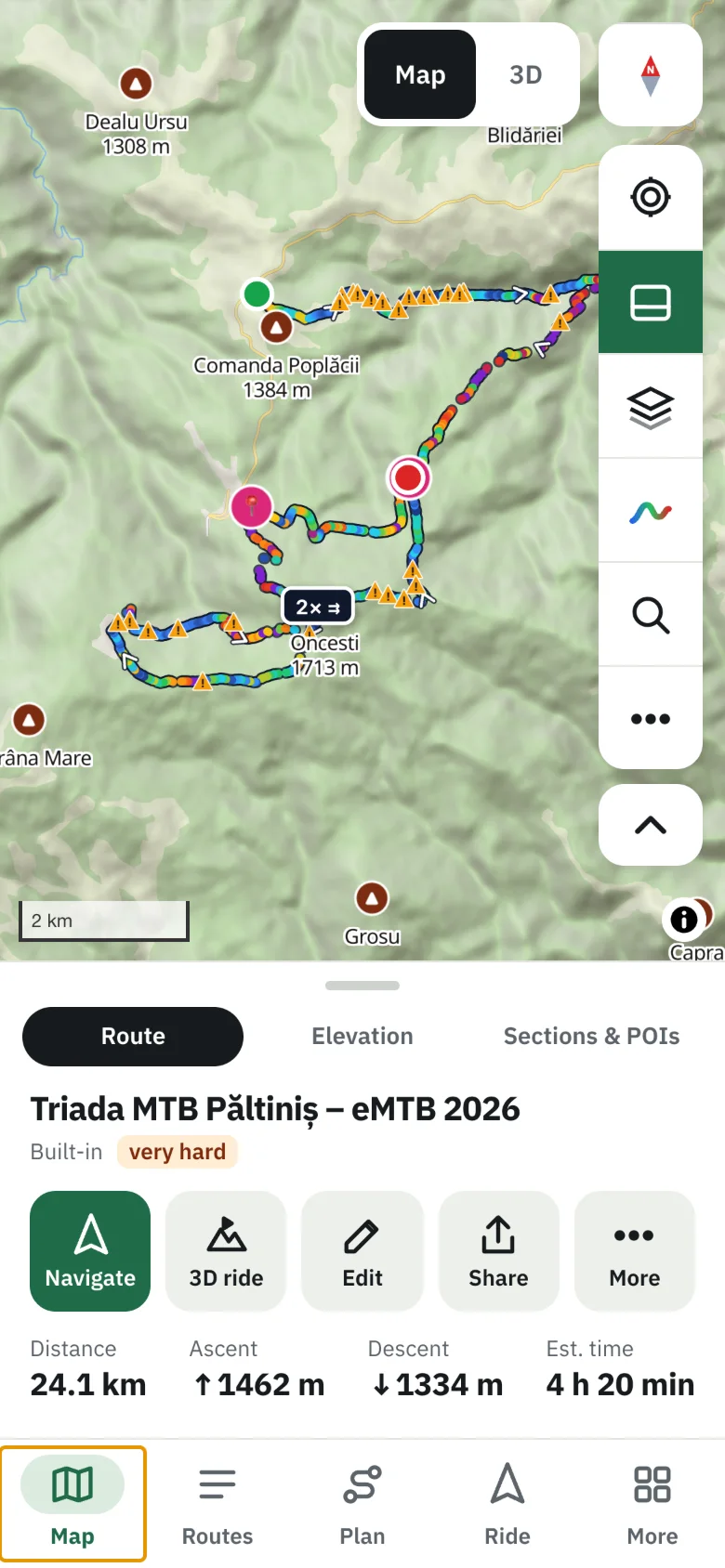
TrailScout stores your routes, recordings, offline maps and settings in your browser on your device (IndexedDB). It uses no cookies, no advertising, no tracking and no analytics, and needs no account. To show maps it asks map services for tiles of the area you look at; weather, place search, points of interest and routing are optional lookups you can switch off. An account is optional — only to keep routes on other devices, publish routes or share your live position — and everything can be exported or deleted.
Key takeaways
- Your rides reveal where you live, work and sleep — keep them on your device.
- No cookies, no ads, no tracking, no analytics; no account required.
- Optional online lookups (weather, search, POIs, routing) can be switched off.
- Export everything (GPX, JSON, full backup); delete everything with one button.
Ride data is personal data. A year of GPS tracks shows where you live, where you work, when you're away from home and where you park your expensive bike. TrailScout is built so that, by default, none of it leaves your device.
Where your data lives
| Data | Where |
|---|---|
| Routes, recordings, versions, waypoints | your browser on this device (IndexedDB) |
| Settings, saved places, collections, avoid areas | your browser on this device |
| Map and terrain tiles, offline areas | your browser's cache on this device |
| Anything on a server | only with an account, only what you save to it |
Nothing is uploaded unless you export, share, or save to an account.
No cookies, no tracking
TrailScout sets no cookies and loads no advertising, tracking or analytics scripts. There's no cookie banner because there's nothing to consent to — just a one-time choice about optional lookups.
What the app asks the internet for
To show maps, the app asks map services directly from your device for the tiles of the area you look at; they see your IP address and that area. Some features ask other services:
| Lookup | Used for | Optional |
|---|---|---|
| map tiles, terrain heights | the map, 3D, elevation | needed for maps |
| weather forecast | weather along the route | yes |
| place search | the search box | yes |
| points of interest along routes | the POIs tab | yes |
| routing | the route builder, A → B | yes |
Choose Only what's needed (or turn off Optional online lookups in Settings → Privacy) and those features simply aren't used.
Location only when you ask
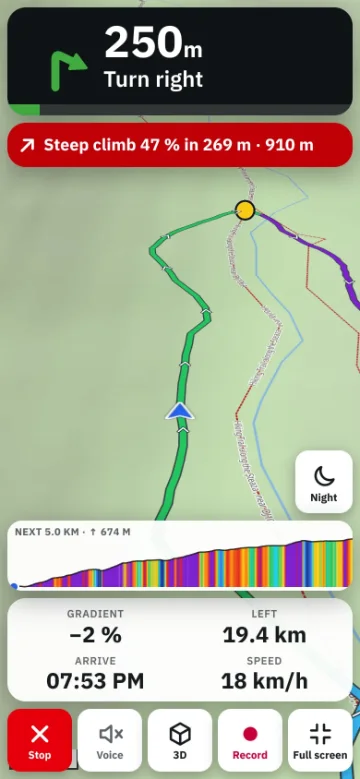
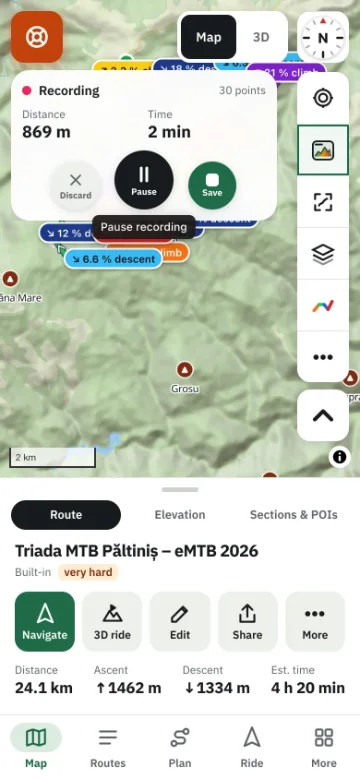
TrailScout uses your location only when you ask: to show you on the map, to navigate, to record, or to sort routes by distance. Your position isn't sent anywhere — unless you start live sharing, which needs an account, can hide positions near home (500 m), and deletes positions when it ends.
An account is optional
An account (sign-in with an e-mailed 6-digit code, no password) only adds: keeping routes on other devices, publishing routes, and sharing your live position. IP addresses are stored only as keyed hashes. You can download all your data as a zip or delete your account at any time.
Export and delete
- Export any route as GPX or JSON; Back up library saves everything to one .zip. See how to export a route as GPX.
- Settings → Storage → Clear all data removes everything TrailScout keeps in this browser.
Frequently asked questions
Does TrailScout track me?
No. There are no trackers, no analytics and no ads.
Do I need an account?
No. Everything works without one.
Can I use TrailScout completely offline?
Yes, after downloading offline areas; the app even opens from a folder on your computer. Search, routing and new forecasts need a connection.
What happens to my routes if I clear my browser?
They're deleted with the browser's site data. Back up your library or keep routes in an account.
Try it on your next ride
TrailScout is free, needs no account and keeps your routes on your device. It runs in the browser on phones, tablets and computers — and works offline.
Open TrailScout →