Weather Along Your Route: How to Plan Around Wind, Rain and Heat
The forecast for every part of your route at the time you reach it — temperature, rain, head or tail wind, gusts — with storm, cold and darkness warnings.
Quick answer
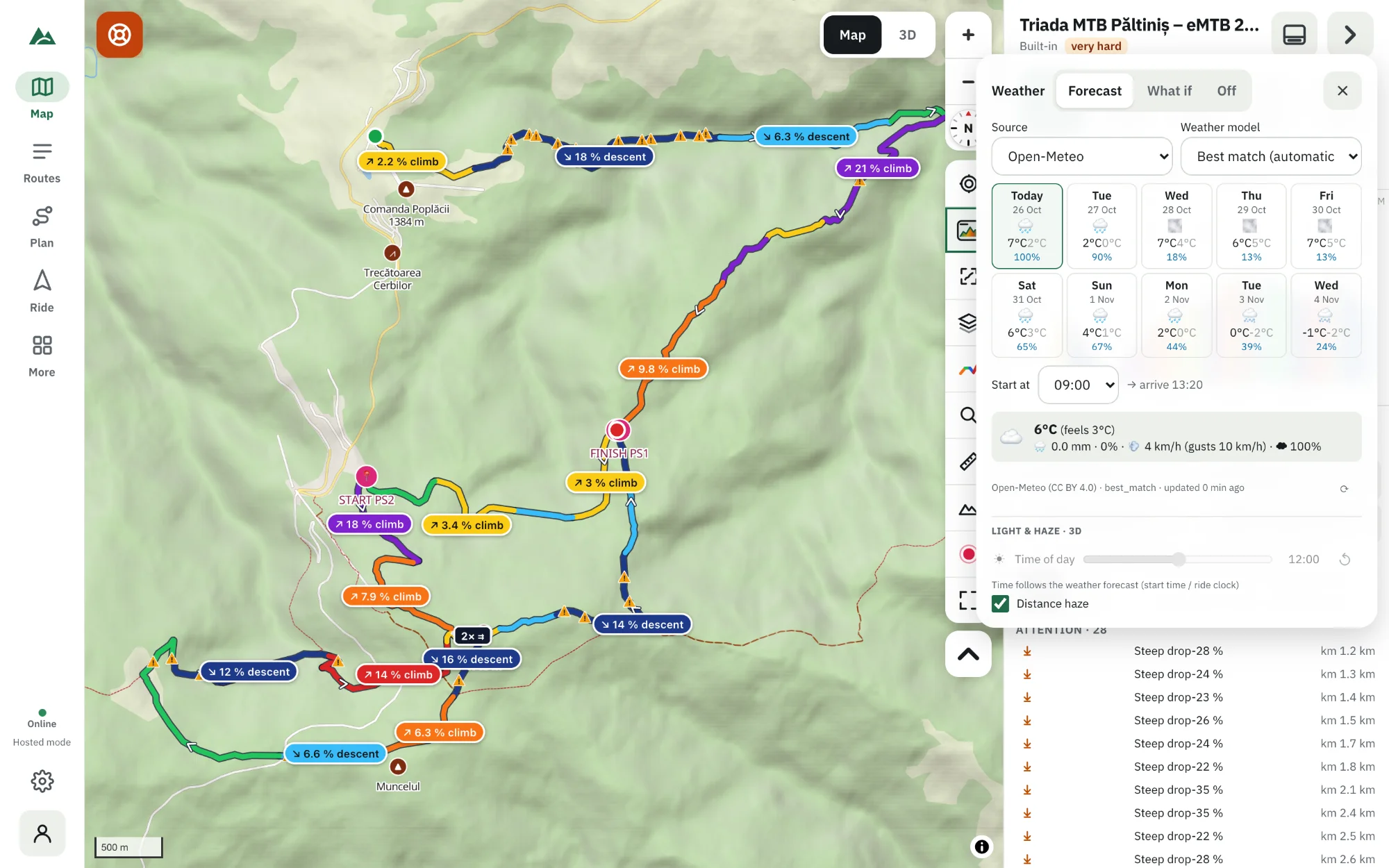
In TrailScout open a route, press the weather strip (☁ Weather), choose Forecast, a day in the next 10 and your start time, and press Load. The forecast is shown for every part of the route at the time you'll reach it — temperature and feels-like, rain, wind as headwind, tailwind or crosswind, gusts — with warnings for thunderstorms, gusts of 50 km/h or more, cold, rain, and finishing after sunset. The 3D view shows the same weather.
Key takeaways
- The forecast follows your ride — the valley at 9:00, the ridge at 12:30 — not one point at one time.
- Wind is shown relative to your direction of travel.
- Change the start time and watch the warnings change; pick the best window.
- The last forecast is kept for offline use; “What if” presets work without a connection.
A forecast for “the town” at “today” isn't much use on a 70 km mountain ride. You'll be in the valley at 9:00, on the ridge at 12:30 and descending into another valley at 15:00 — three places, three times, three forecasts. TrailScout puts them together for you.
How to see the weather along your route
- Open the route in TrailScout.
- Press the weather strip above the profile (or ☁ Weather in the 3D view).
- Choose Forecast, the day (the next 10 days) and Start at — the time you start riding.
- Press Load the forecast for this route.
- The strip shows the weather at each part of the route at the time you get there, worked out with your estimated riding speed.
What you see
- Temperature and feels like.
- Rain — how likely, how much.
- Wind: speed and gusts, and whether it's a headwind, tailwind or crosswind for the way you're riding there.
- Arrival times along the route.
- Warnings: thunderstorm expected around km X, strong gusts (50 km/h / 31 mph or more), cold, rain likely from about km X, and you'd finish after sunset.
Find the best start time
Change Start at and the forecast moves with you. A thunderstorm at km 45 at 14:00 may be avoided by starting an hour earlier — or by reversing the route so you're over the exposed ridge in the morning.
Weather in 3D
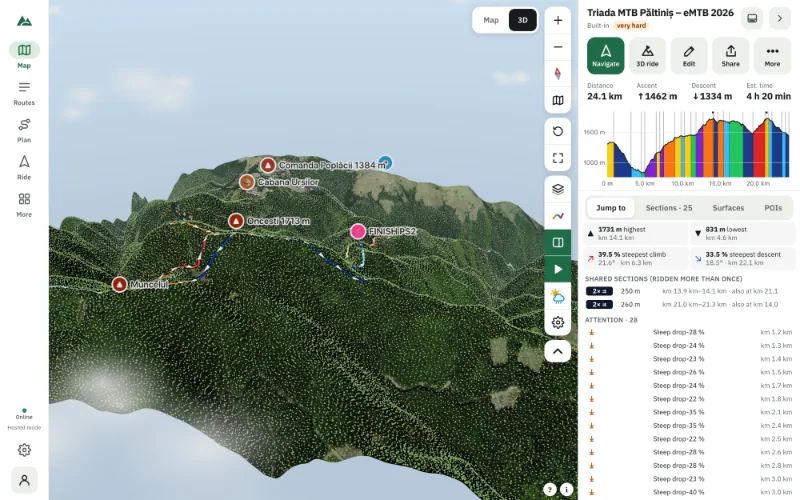
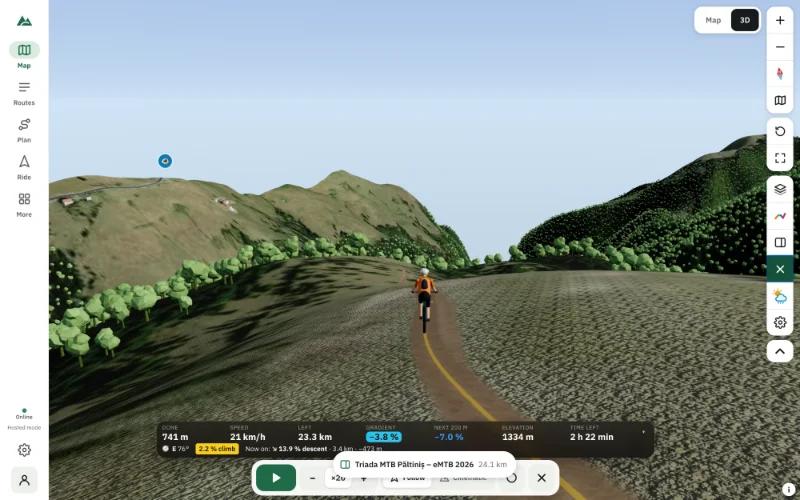
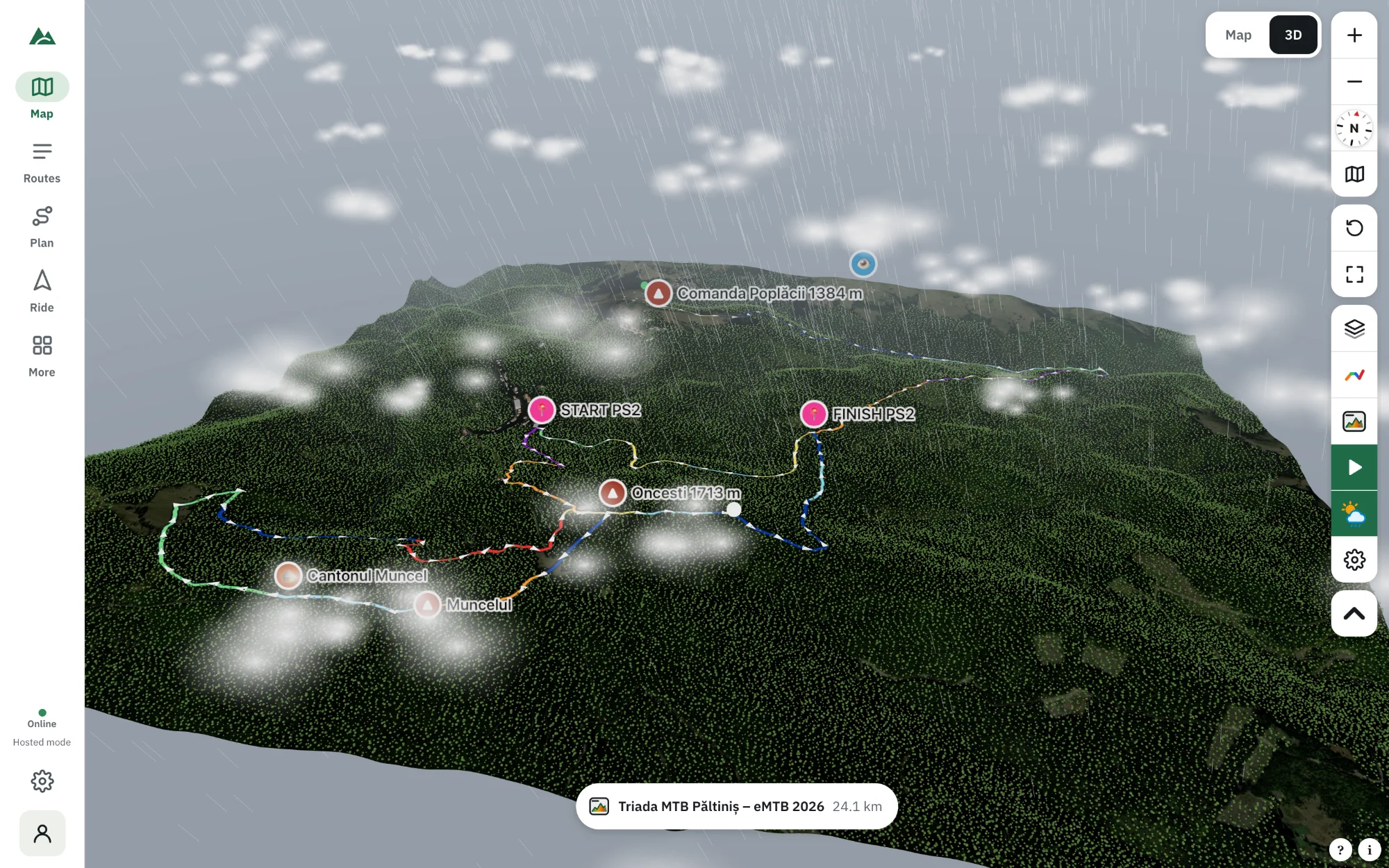
With a forecast loaded, the 3D view shows the weather where and when you'll be: clouds and their shadows, rain, snow, fog, wind-swayed trees, lightning, wet ground — and the sun at its real position. During a virtual ride the weather and the light follow the ride clock.
What if presets — sunny, cloudy, light rain, heavy rain, storm, snow, fog — let you see the route in any weather, offline.
Sources
The forecast comes from free weather services that need no key. You can choose the weather model in the panel; the default picks the best match for the place. The last forecast is kept on your device — offline, it's shown as “last known forecast”.
Frequently asked questions
How far ahead can I see the weather along my route?
Up to 10 days. Forecasts more than 3–4 days ahead are rough — check again closer to the day.
How does it know when I'll reach each part?
From the route's estimated time with your rider model (weight, power, surfaces, gradient) and your start time.
Does it show wind direction relative to my route?
Yes — headwind, tailwind or crosswind for your direction of travel at each part.
Will it warn me if I'll finish in the dark?
Yes — “You would finish after sunset” with the sunset time.
Try it on your next ride
TrailScout is free, needs no account and keeps your routes on your device. It runs in the browser on phones, tablets and computers — and works offline.
Open TrailScout →