Fly Through Your MTB Route: A Virtual Ride at 1× to 50× Speed
Watch a rider take your route in 3D at the speed your legs would — slower on climbs, faster downhill — with follow and cinematic cameras and live numbers.
Quick answer
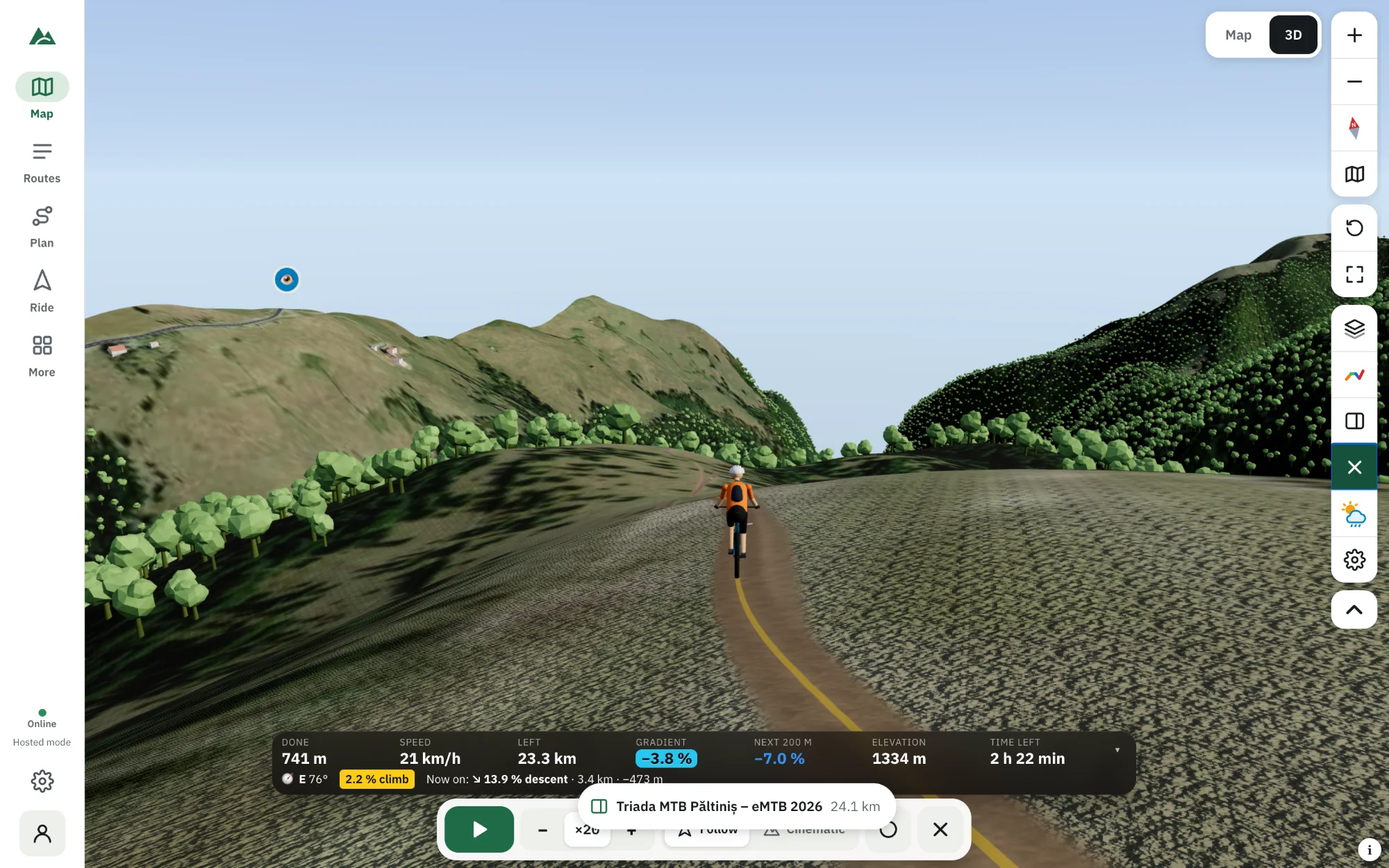
In TrailScout, open a route, switch to 3D and press Ride (or Space). A rider sets off along the route at a speed worked out from physics — gradient, surface, bends, your weight and power, e-bike assist — while the camera follows or films it like a race. Change the speed from ×1 to ×50, drag the profile to jump, and watch the live gradient, height, time left and “Coming up” cards before every climb and descent.
Key takeaways
- Speeds come from a physics model, so the ride takes as long as you would — on the climbs and on the descents.
- Two camera styles: a chase camera behind the rider and automatic cinematic shots.
- Press 1 for follow and 2 for cinematic, Space to play or pause, W/S to change speed.
- With a forecast loaded, the sun and the weather follow the ride clock.
A profile tells you the numbers. A virtual ride shows you the day: the long drag through the forest, the open ridge with the view, the fast descent to the lake, and how long each one takes at your pace. It is the best way to learn a new route — or to show friends where you are taking them.
How to start a virtual ride
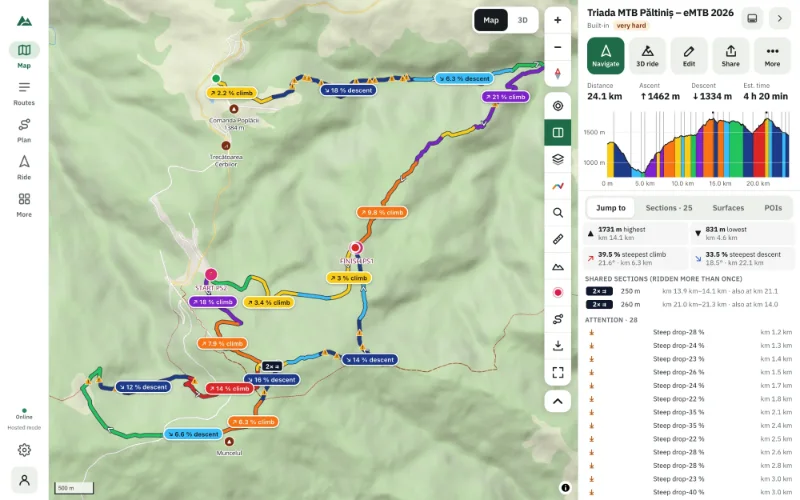
- Open the route in TrailScout and press the 3D tab (V).
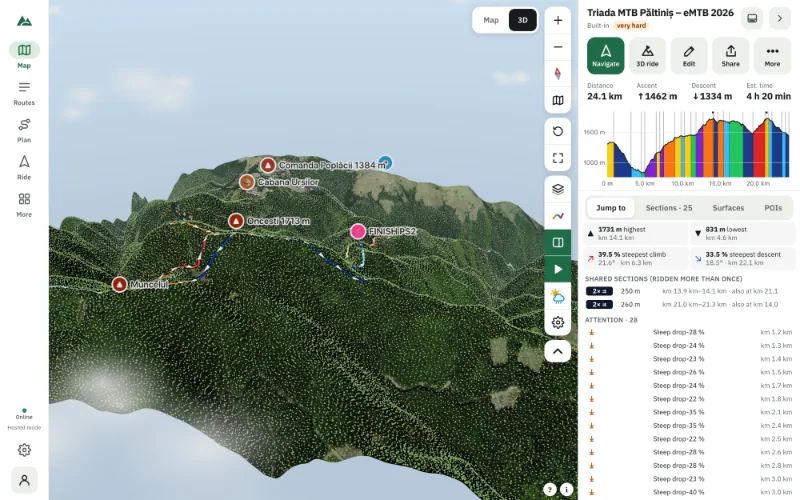
- Press Ride or Space. The camera swoops in and the rider sets off.
- Change the speed with − / + or W / S: ×1 (real time), 2, 5, 10, 20, 30 or 50.
- Skip ahead or back with ↑ / ↓, or drag the elevation profile to jump anywhere.
- Look around with A / D or by dragging.
On a phone, use Ride → 3D ride from the bottom bar.
A rider that rides like you
The speed at every point comes from a physics model: gradient, surface (asphalt, gravel or trail), bends, your weight with the bike and the power you keep up for hours. Set them in Rider settings; tick E-bike for motor assist up to 25 km/h (15.5 mph). So the rider slows to a crawl on a 15 % wall and lets go on a smooth descent, and the estimated time of the route matches what you will ride.
The rider sits on the ground under both wheels, pedals, leans into corners and pitches with the slope.
Cameras
- 1 · Follow — a chase camera behind the rider. Scroll to change the distance.
- 2 · Cinematic — automatic TV-style shots chosen by what the trail does next: chase, side tracking, drone, trailside, head-on and top-down, after an opening swoop.
Trees between the camera and the rider fade out, so the view stays clear in the forest. A mini map under the compass shows where you are and where the camera looks.
The numbers on screen
The ride HUD shows distance done and left, the gradient now and over the next 200 m, the height, the time left and the arrival time, the heading and the current section. Before every climb and descent a “Coming up” card tells you how long and how steep it is — exactly the moments to look out for on the real ride. Fold the HUD with ▾ for a clean view.
Weather and time of day
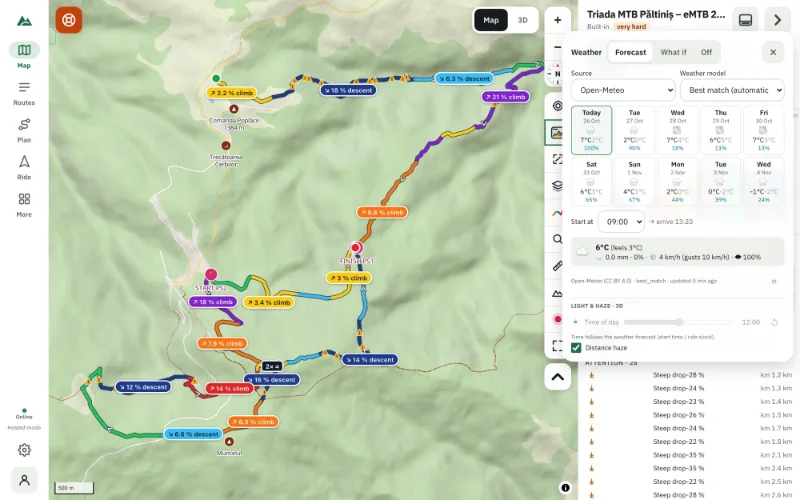
With a forecast loaded under ☁ Weather, the sun and the weather follow the ride clock: start at 8:00 and you'll see the morning light on the first climb, the clouds building at noon, the rain the forecast expects at km 40. Read weather along your route.
Uses beyond curiosity
- Learn a race course or an event route before the day.
- Check route-finding: tricky junctions, where the trail leaves the road.
- Share the plan: ride it in front of your group before a trip.
- Estimate the day: the arrival time tells you when you'll be back.
Frequently asked questions
Can I record the virtual ride as a video?
TrailScout doesn't export videos; use your computer's screen recorder while the cinematic camera runs.
How accurate is the ride time?
It uses the same rider model as the route's estimated time. Set your weight and sustained power in Rider settings for a better match.
Does the virtual ride work on a phone?
Yes, on phones with WebGL 2. Lower the quality under ⚙ Graphics for smoother motion.
What speeds can I choose?
×1 (real time), ×2, ×5, ×10, ×20, ×30 and ×50. ×20 is the default.
Try it on your next ride
TrailScout is free, needs no account and keeps your routes on your device. It runs in the browser on phones, tablets and computers — and works offline.
Open TrailScout →