How to Plan a Mountain Bike Route That Follows Real Trails
Click the map point by point and the line snaps to trails, tracks and roads. Pick an MTB, gravel or hiking profile, draw straight lines where needed, save.
Quick answer
In TrailScout, choose Plan → Draw a route (key B) and click the map — first the start, then each next point. Every leg follows trails, tracks and roads using the routing profile you pick (MTB, MTB light, gravel, trekking, hiking, bike paths and quiet roads, road bike or shortest). Switch a leg to Freehand for paths the map doesn't know, drag points to change the line, and press Save. Distance, climbing and the elevation profile update with every click.
Key takeaways
- Click the map to add points; the line snaps to trails and roads between them.
- Click the line to insert a point, drag a point to move it, click a point for delete, straight line or split.
- Out and back, back to the start (loop), reverse and append another route are one click each.
- Every save keeps the previous version — up to 20 — so you can always go back.
The best mountain-bike routes are rarely the ones a car navigator would choose. You want the singletrack along the ridge, the forest road for the climb and the old path down to the village — and you want to see how hard it will be while you draw. Here is how to build that route on the map.
How to draw a route that follows trails
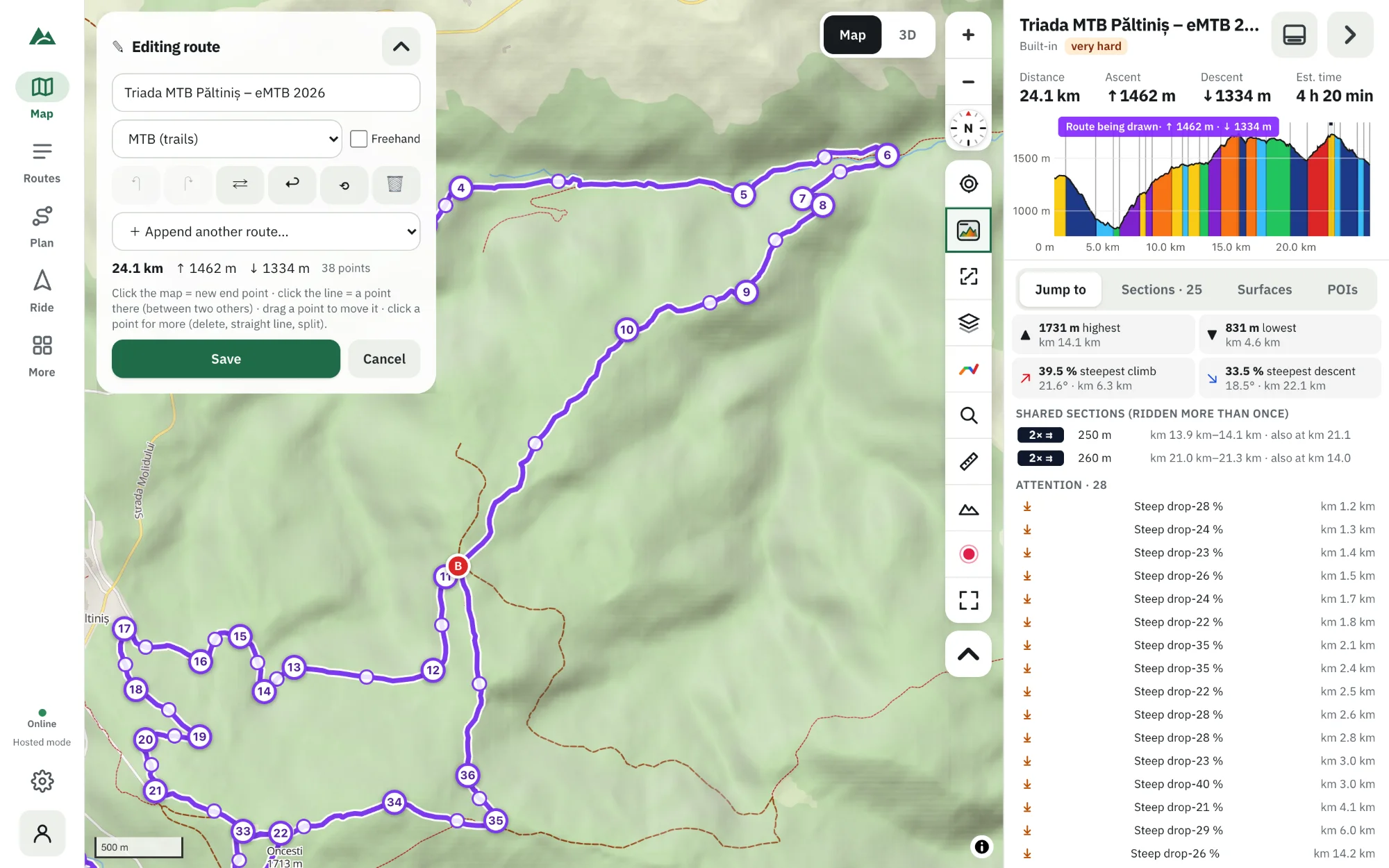
- Open TrailScout and press Plan → Draw a route (or the key B).
- Choose a routing profile in the builder panel — MTB (trails) for most rides.
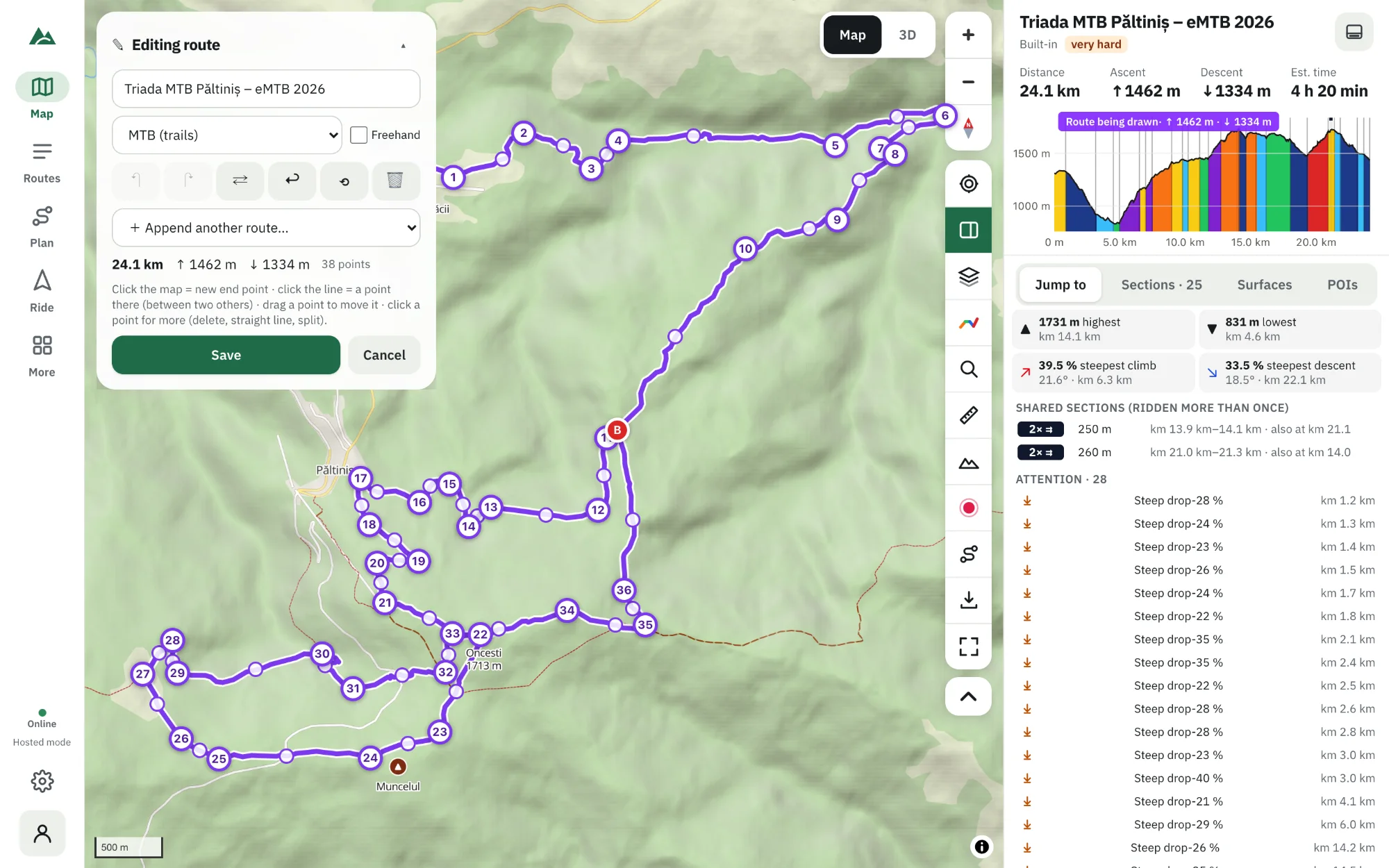
- Click the map where you want to start, then at the next point. The line between them follows trails, tracks and roads.
- Keep clicking: each click adds a new end point. Distance, ascent and the elevation profile update as you go.
- Drag any point to move it; click the line to add a point in between; click a point for more (delete, straight line to here, follow trails to here, split the route here).
- Name the route and press Save. It is now in your library like any imported GPX.
Choose the right routing profile
| Profile | Prefers | Good for |
|---|---|---|
| MTB (trails) | singletrack, paths, tracks | most mountain-bike rides |
| MTB light | easier trails and tracks | beginners, e-bikes, wet days |
| Gravel | gravel and forest roads | gravel bikes, fast mixed routes |
| Trekking | roads and tracks | touring, bikepacking with luggage |
| Hiking | footpaths and mountain trails | hiking, scouting a ride |
| Bike paths & quiet roads | cycle paths, low traffic | family rides, commuting |
| Fast (road bike) | smooth roads | road cycling |
| Shortest | the shortest legal way | connecting points quickly |
You can change the profile for new legs at any time while you draw.
Freehand: where the map has no path
Not every trail is on the map. Switch on Freehand and the next legs are straight lines between your points — or click a point and choose Straight line to here for a single leg. Follow trails to here turns it back into a routed leg.
One-click shapes
- Out and back — ride the same way back.
- Back to the start (loop) — closes the route with a routed leg to the start.
- Reverse the route — ride it the other way (good when the hardest climb is at the end).
- Append another route — join a route from your library onto the end.
- Undo / Redo — every change, as far back as you like.
Editing an existing route
Open any route — even an imported GPX — and press Edit. Move or delete points, add legs, trim the first or last point, split it in two or merge it with another route. When you save, the previous version is kept under Versions (up to 20), so you can restore any of them.
Check it before you ride
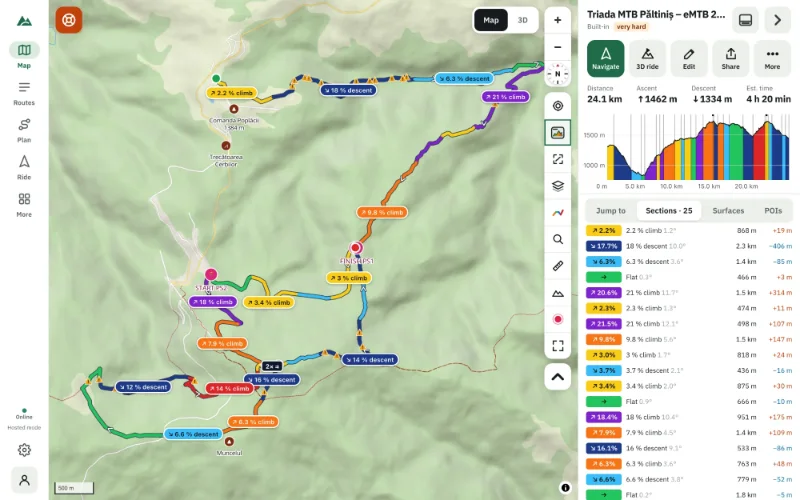
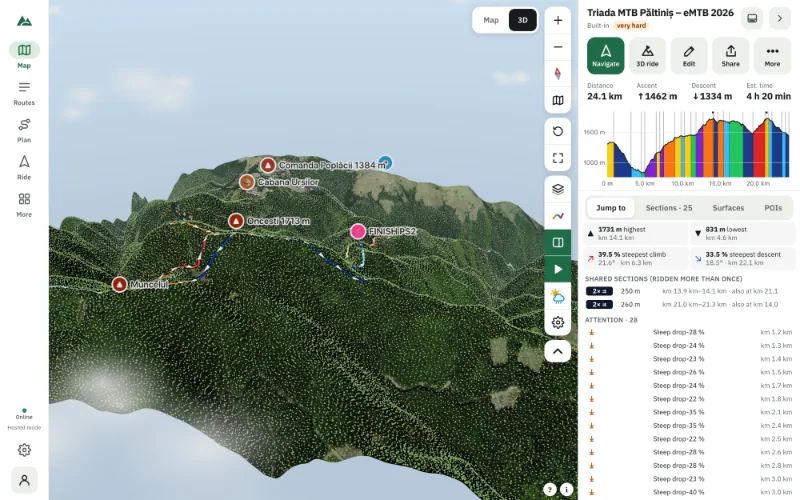
While drawing you already see distance, ascent and the profile. After saving you get everything else: climbs, surfaces and technical difficulty, points of interest, weather and the 3D view.
Need a quick distance without making a route? Plan → Measure distance adds points on the map and shows the total, like a ruler.
Frequently asked questions
Does the route builder work offline?
Drawing works offline with Freehand legs. Routed legs need a connection to the routing service; they are routed when you move a point again online.
Can I plan a route between two places without clicking every turn?
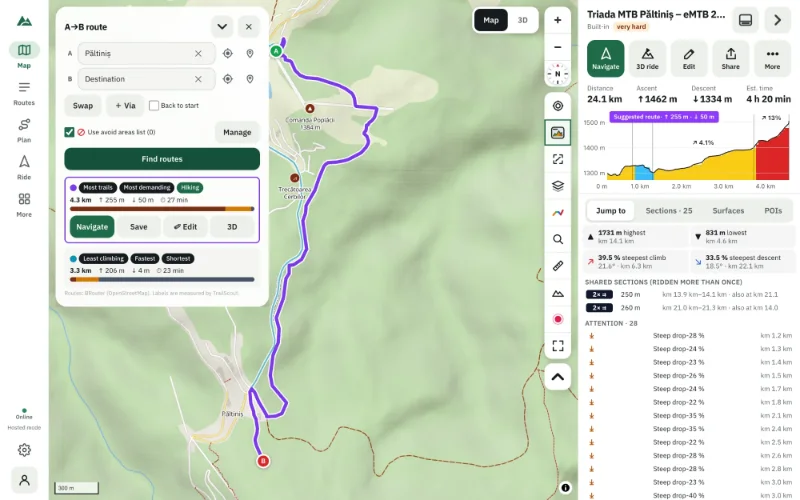
Yes — use A → B and you get several suggestions to compare. See how to plan an A→B bike route.
Can I export the route I drew?
Yes, as GPX (for a bike computer, watch or phone) or as a TrailScout JSON file. See how to export a route as GPX.
What happens to my unsaved drawing if the browser closes?
It is restored the next time you open the builder.
Try it on your next ride
TrailScout is free, needs no account and keeps your routes on your device. It runs in the browser on phones, tablets and computers — and works offline.
Open TrailScout →