Plan an A→B Bike Route With Trail, Fastest or Easiest Options
Enter a start and a destination and compare route suggestions — most trails, least climbing, fastest, shortest — with distance, climbing and time.
Quick answer
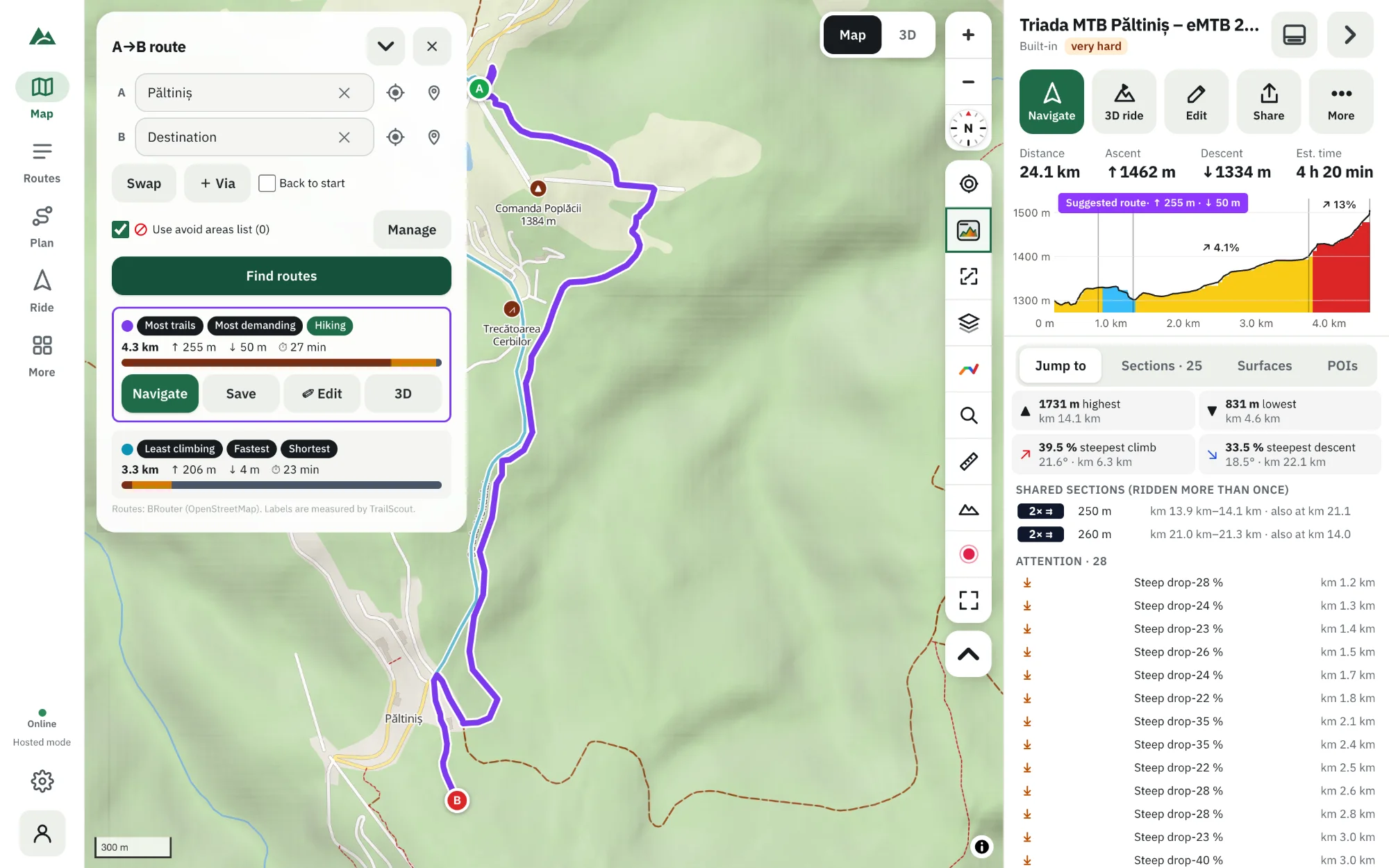
In TrailScout open Plan → A → B, set a start and a destination (search a place, type coordinates, use your location or tap the map), add up to three via points if you like and press Find routes. You get several suggestions on the map, each labelled — Most trails, Least climbing, Most demanding, Most bike paths, Fastest, Shortest, Hiking — with distance, climbing and time measured with your own rider model. Pick one to save, edit, navigate or ride in 3D.
Key takeaways
- Several suggestions at once, each with a label that says why you might want it.
- Times are worked out with your rider model (weight, power, e-bike), not a generic speed.
- Up to 3 via points, a round-trip option and avoid areas the routes go around.
- Any suggestion becomes a normal route — save it, tweak it in the builder or start Bike GPS.
Sometimes you don't want to draw every turn. You know where you start, where you want to end up, and you'd like to see the options: the trail way, the easy way, the fast way. That is what the A → B planner is for.
How to plan an A→B route
- Open TrailScout and press Plan → A → B.
- Set the start: search a place or address, type coordinates (e.g.
45.61, 24.12), use My location or Pick on the map. - Set the destination the same way. Swap exchanges them.
- Optional: Via adds a point to pass through (up to three). Back to start makes it a round trip.
- Press Find routes. After a few seconds the suggestions appear on the map, each in its own colour, with a card for each.
- Tap a card to see that route's profile; choose Save, Edit, Navigate or 3D.
Shortcut: right-click (or long-press) anywhere on the map and choose Route to here or Route from here — the planner opens with that point filled in. Tapping a peak works too.
The labels: why each suggestion is there
| Label | The suggestion with… |
|---|---|
| Most trails | the biggest share of singletrack and paths |
| Least climbing | the lowest total ascent |
| Most demanding | the most climbing and technical riding |
| Most bike paths | the most cycle paths and quiet roads |
| Fastest | the shortest time with your rider model |
| Shortest | the fewest kilometres |
| Hiking | footpaths and mountain trails (for a hike or a push) |
One route can carry several labels. Suggestions that are almost the same are merged, so you only compare real alternatives.
Measured with your rider model
Distance, climbing and surfaces are measured by TrailScout on each suggestion, and the time comes from the same physics model as the virtual ride: gradient, surface, your weight and the power you keep up, and e-bike assist if you ride one. Set it once under Rider in Settings.
Avoid areas
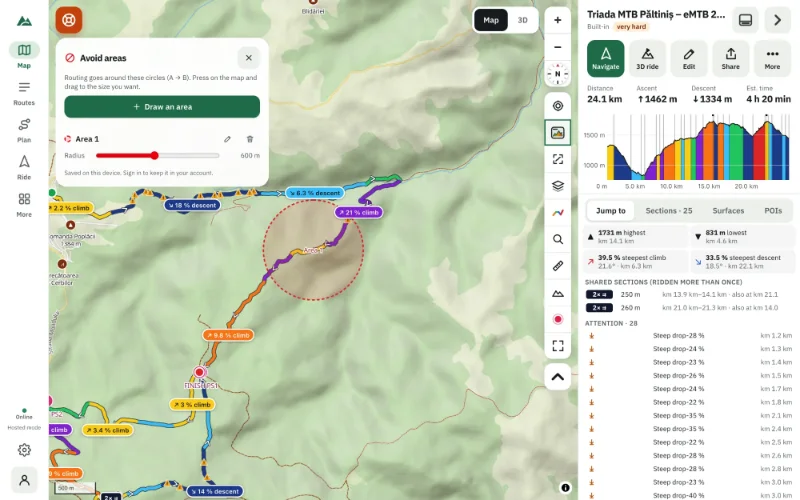
Busy road, private land, a closed trail? Draw an avoid area — a circle the routes must go around. Tick Use avoid areas list in the planner. See how to avoid roads and areas.
Make it yours
A suggestion is a starting point. Press Edit and it opens in the route builder: move a point to take a different trail, add a detour to a viewpoint, then save. On a phone, minimise the planner to a small strip and swipe through the suggestions over the map.
Re-routing on the way
During navigation, Recalculate to destination plans a new route from where you are with the same kind of route — handy if you change your plans mid-ride.
Frequently asked questions
Does the A→B planner work offline?
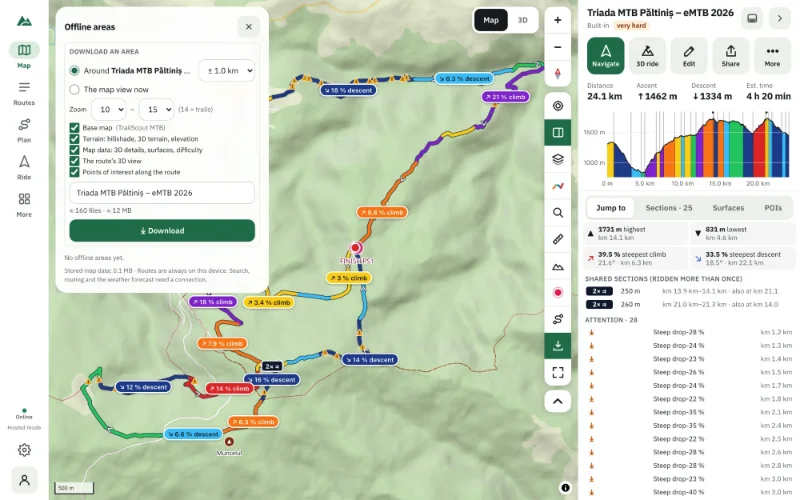
No — finding routes needs a connection. Save the suggestion you like and download an offline area for the ride itself.
Can I plan a loop with the A→B planner?
Yes: tick Back to start. If a destination is set it becomes a point on the way.
How many via points can I add?
Up to three.
Is my location sent anywhere?
Only the start, via and destination points go to the routing service to find the routes. Nothing is stored about you.
Try it on your next ride
TrailScout is free, needs no account and keeps your routes on your device. It runs in the browser on phones, tablets and computers — and works offline.
Open TrailScout →