How to Find Water, Shelters and Bike Shops Along Your Route
List every spring, hut, shelter, bike shop, repair station, food stop and gate near your route — with the km where you reach each one.
Quick answer
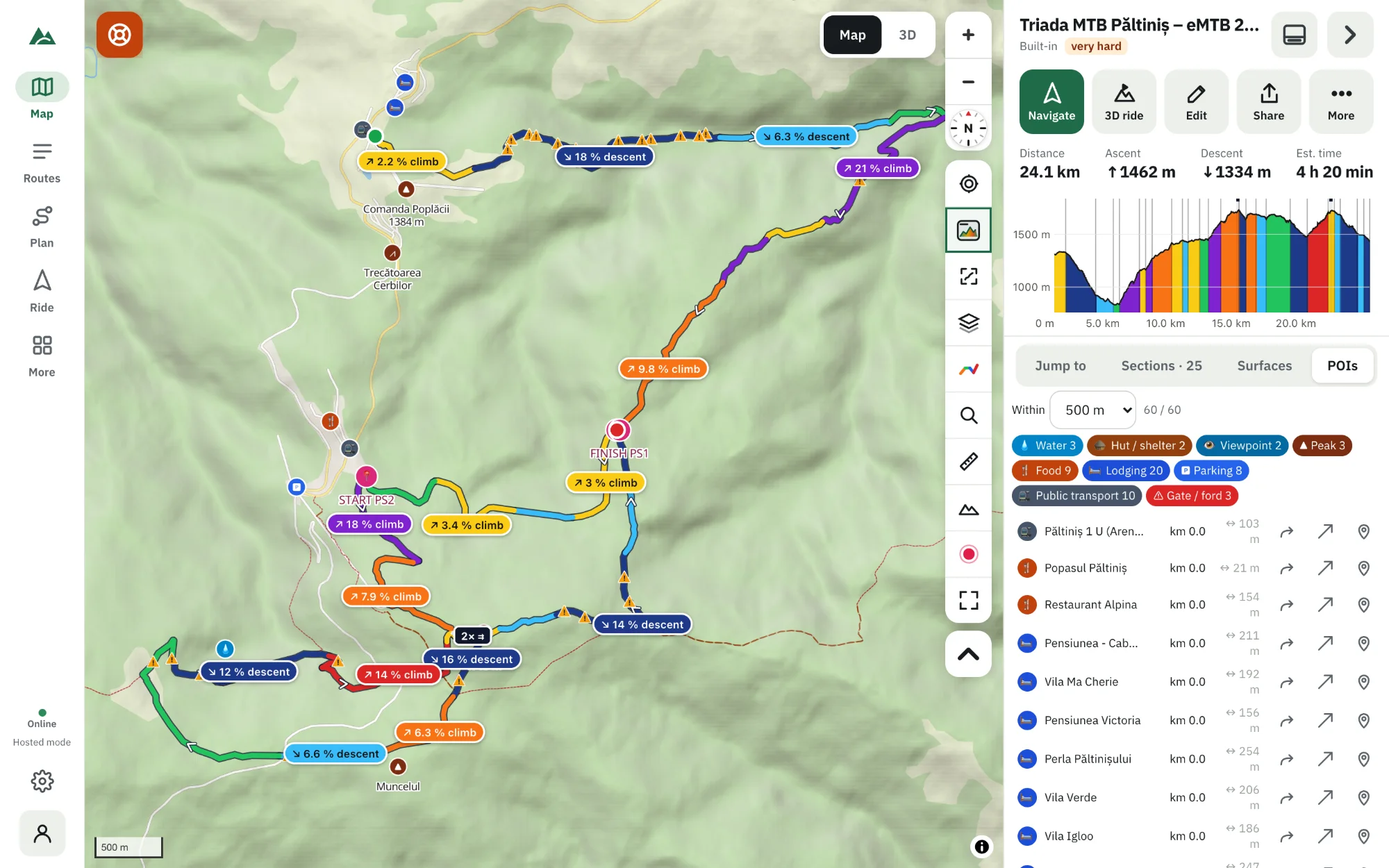
Open the route in TrailScout and the POIs tab: it lists what is along the route from OpenStreetMap — water, huts and shelters, viewpoints, peaks, passes, bike shops, repair stations, food, lodging, shops, parking, trailheads, public transport and gates or fords — in the order you reach them, with the km and the distance off the route. Set how far to look (Within), hide kinds you don't need, tap one for its card, or pin it to the route as a waypoint.
Key takeaways
- POIs are listed in riding order, with the km where you reach each and how far it is off the line.
- Tap a water point for details: drinking water or not, seasonal, last checked by a mapper.
- Pin a POI to the route and it goes into the GPX and is announced by Bike GPS.
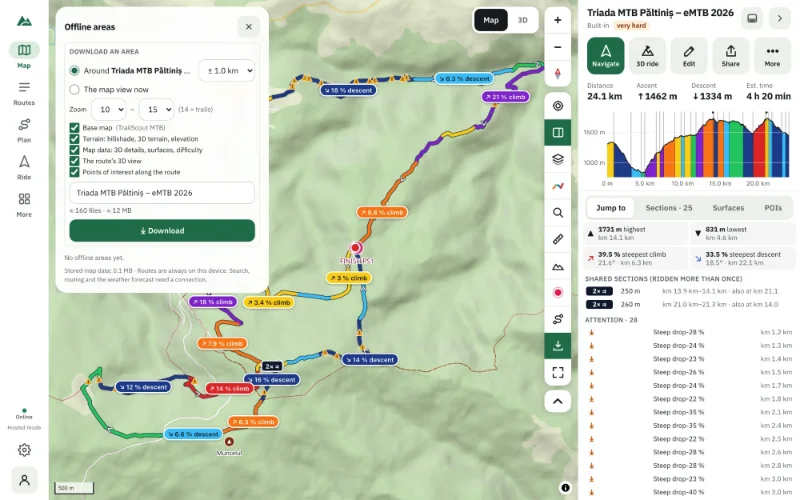
- The POIs can be included in an offline area.
Water is the first thing to run out on a long summer ride; a hut is what you want when the storm arrives; a bike shop is what you need when the derailleur doesn't. Here is how to find them along your route before you go.
How to list what's along a route
- Open the route in TrailScout.
- Open the POIs tab in the route panel. TrailScout looks along the route in OpenStreetMap (the first time it needs a connection; then it's kept on your device).
- Set Within — how far from the route to look.
- Tap a kind (water, huts…) to hide or show it.
- Read the list in riding order: each item with the km where you reach it and how far it is off the route.
- Tap an item to see it on the map and open its place card.
What it finds
| Kind | Examples |
|---|---|
| Water | springs, drinking-water taps, fountains |
| Hut / shelter | mountain huts, shelters, bivouacs |
| Viewpoint, peak, pass | the places worth a stop |
| Bike shop, repair station | shops, public pumps and tool stands |
| Food, shop, lodging | restaurants, cafés, grocery shops, guesthouses |
| Parking, trailhead, public transport | where to start or bail out |
| Gate / ford | barriers to lift the bike over, stream crossings without a bridge |
The place card: the details that matter
Tap a point for its card. What it shows depends on what mappers recorded:
- Water: drinking water or not, seasonal, bottles can be filled, last checked by a mapper — and the next water after this one on your route.
- Huts: beds, food, water, fee, booking, fireplace, who runs it.
- Shops and food: opening hours with “open now · until 18:00” or “closed · opens tomorrow 8:00”, phone and website.
- Bike repair stations: pump, valves, tools.
- Gates and fords: “lift the bike over”, “stream crossing, no bridge”.
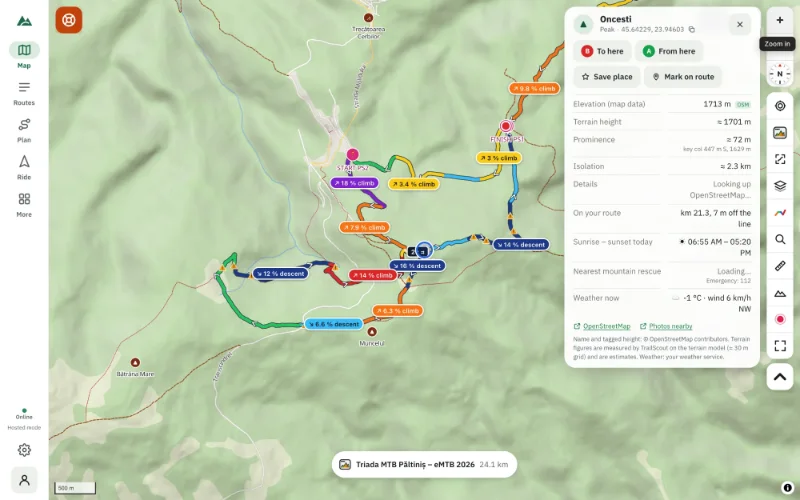
Learn more about place cards in identify peaks and viewpoints.
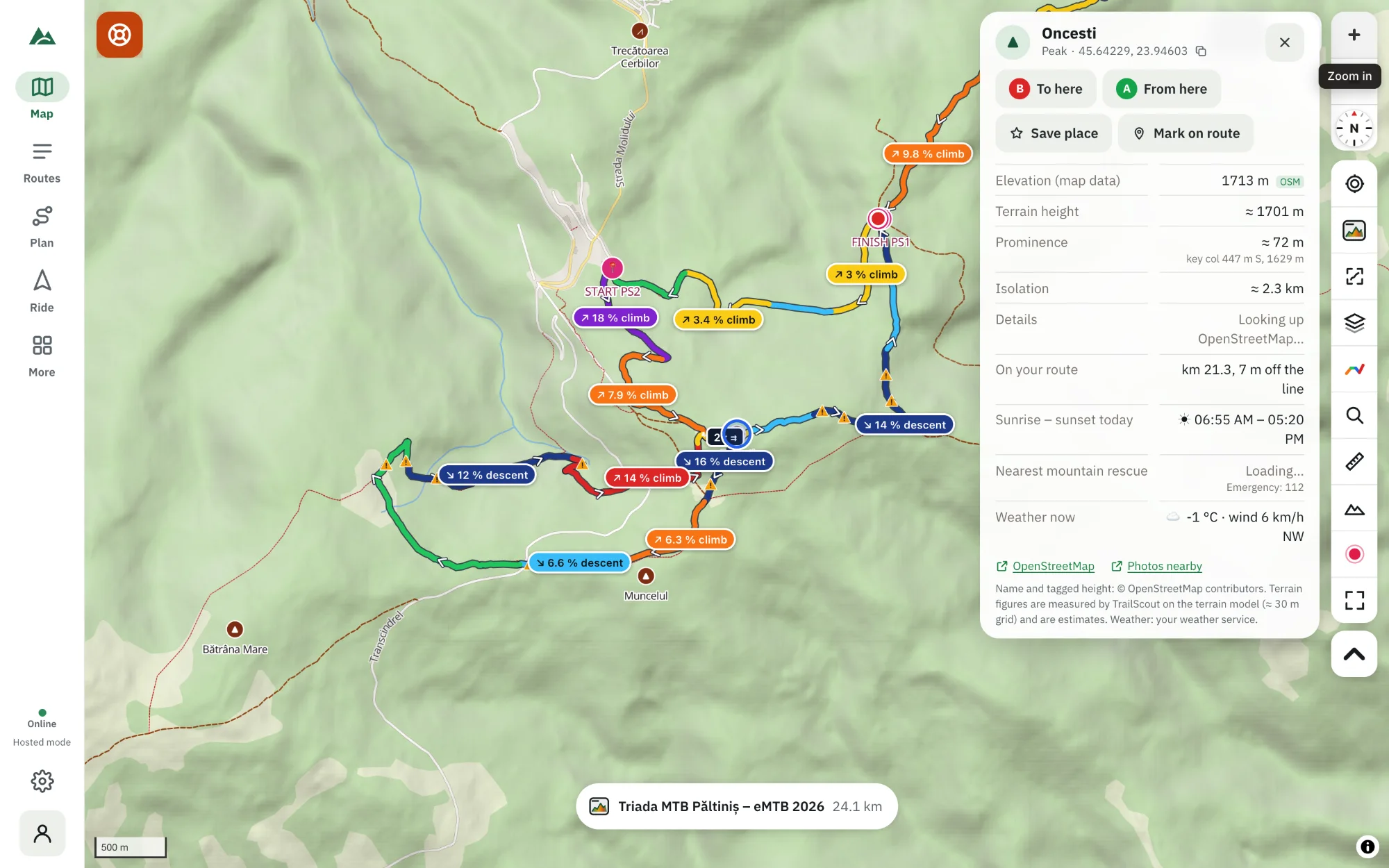
Pin it to the route
Press pin on a POI (or Mark on route on its card) and it becomes a waypoint of the route: it is saved in the GPX, shown on your bike computer, and Bike GPS tells you “Spring in 400 m”.
Offline
An offline area can include Points of interest along the route, so the list and the cards work without signal.
Points of interest on the map
Separately from the list, the map shows peaks, viewpoints, huts, springs, castles, churches, bike shops and more as icons (Maps & terrain → Points of interest). In 3D they're labels standing on the terrain.
Frequently asked questions
Is the water in the list safe to drink?
Only if the card says drinking water: yes — and even then, conditions change. Seasonal springs dry up in late summer. Treat or filter when in doubt.
Why does the list take a while the first time?
The map servers can be busy; the first lookup can take up to a minute. After that the list is kept on your device.
Can I see POIs for a route I'm drawing?
They are looked up once the route is saved.
Where does the data come from?
From OpenStreetMap, the open map made by volunteers. If something is missing or wrong, you can add it there.
Try it on your next ride
TrailScout is free, needs no account and keeps your routes on your device. It runs in the browser on phones, tablets and computers — and works offline.
Open TrailScout →