How to Rate a Route's Difficulty Before You Commit to It
Judge a mountain-bike route by its fitness difficulty, its S0–S5 technical grade, its surfaces and its danger spots — before you ride it.
Quick answer
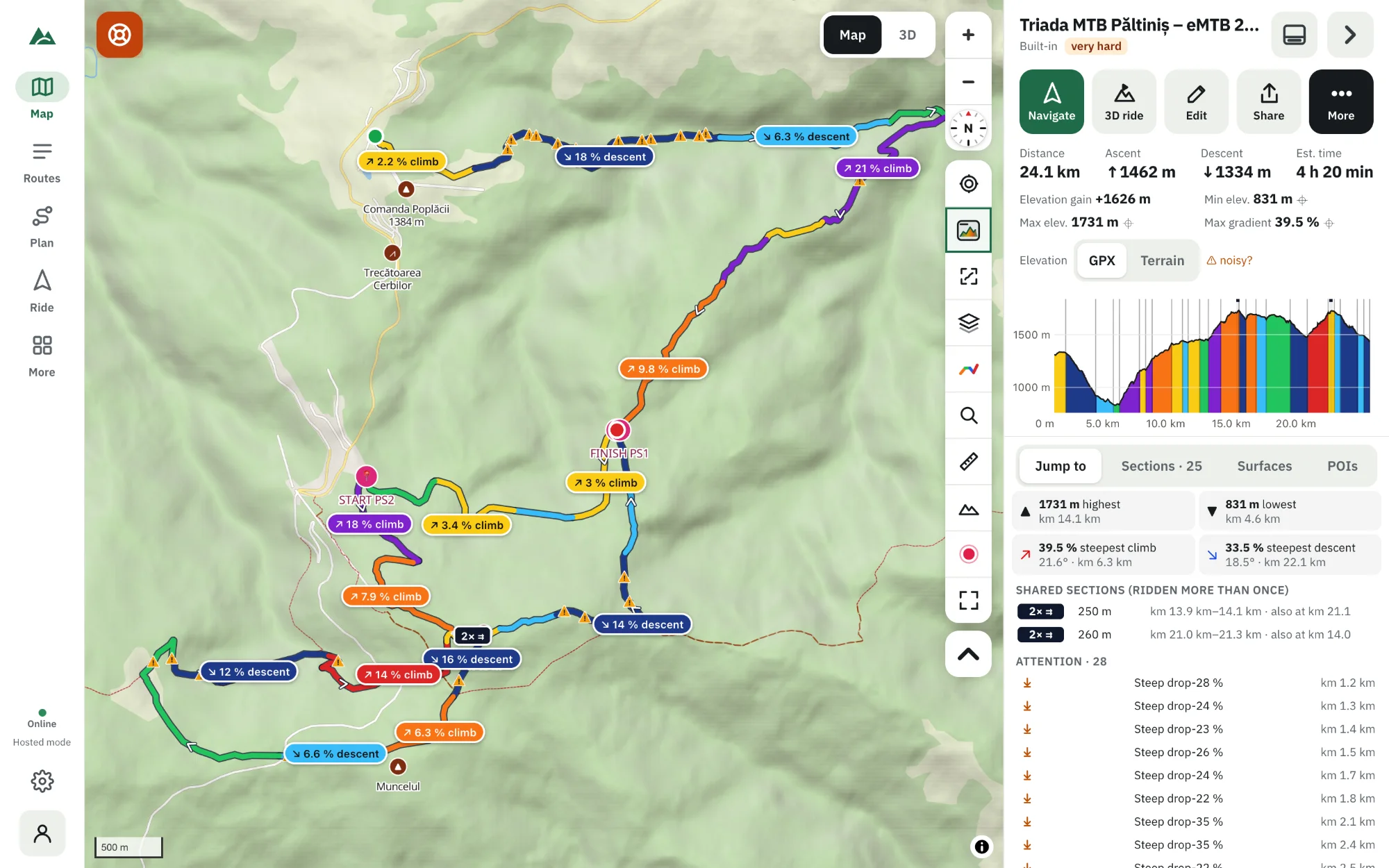
Rate a route on three things. Fitness — distance, ascent and steepness; TrailScout combines them into Easy, Moderate, Hard or Very hard. Technique — the singletrail scale from S0 (easy, no obstacles) to S5 (extreme), taken from OpenStreetMap tags along the route. Surface and hazards — the share of asphalt, gravel and trail, and Attention markers for steep drops, hairpins, gaps and road crossings. A route is only as easy as its hardest part.
Key takeaways
- Fitness and technique are different: a route can be long and easy, or short and very technical.
- S0–S5: S0 easy, S1 small obstacles and roots, S2 steps and steeper, S3 blocky and hairpins, S4 very steep with big steps, S5 extreme.
- Very steep ground raises the technical grade even where nothing is tagged.
- Map data are estimates — always look at the terrain yourself.
“Is this route too hard for me?” is the question every rider asks before a new ride — or before taking friends along. The honest answer has three parts: is it too long and steep for your fitness, is it too technical for your skills, and are there hazards you should know about?
1. Fitness difficulty
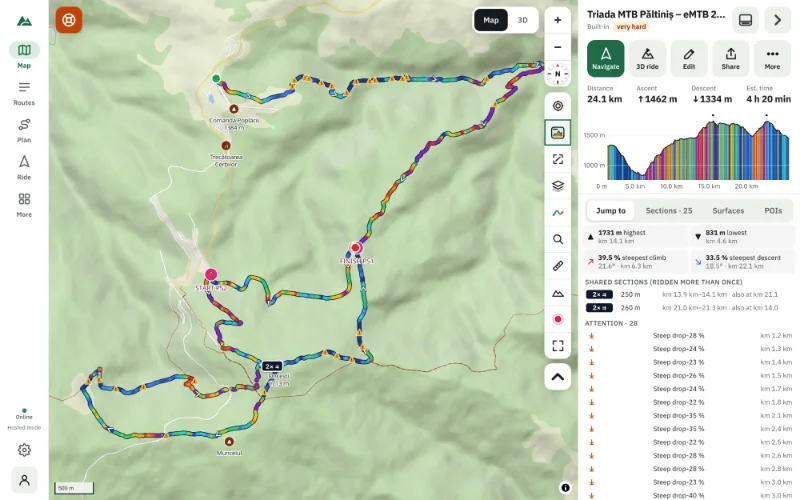
Distance and climbing set the effort. TrailScout's Difficulty rating (shown with the route's numbers) combines three things: the ascent (every 400 m counts as a step), the distance (every 25 km counts as a step) and how much the maximum gradient goes beyond 8 %. The result is Easy, Moderate, Hard or Very hard.
The estimated time is the other fitness number: it comes from your rider model (weight, sustained power, e-bike) and the surfaces. Set it in Settings → Rider. You can override the rating in the route's Details if you know better.
2. Technical difficulty: the S0–S5 scale
The singletrail scale grades how hard a trail is to ride, independent of fitness:
| Grade | What to expect |
|---|---|
| S0 | easy, no obstacles: roads, forest roads, smooth paths |
| S1 | small obstacles, roots, loose gravel |
| S2 | roots and steps, steeper, tighter turns |
| S3 | blocky, hairpins, steep — good technique needed |
| S4 | very steep, big steps, tight hairpins |
| S5 | extreme |
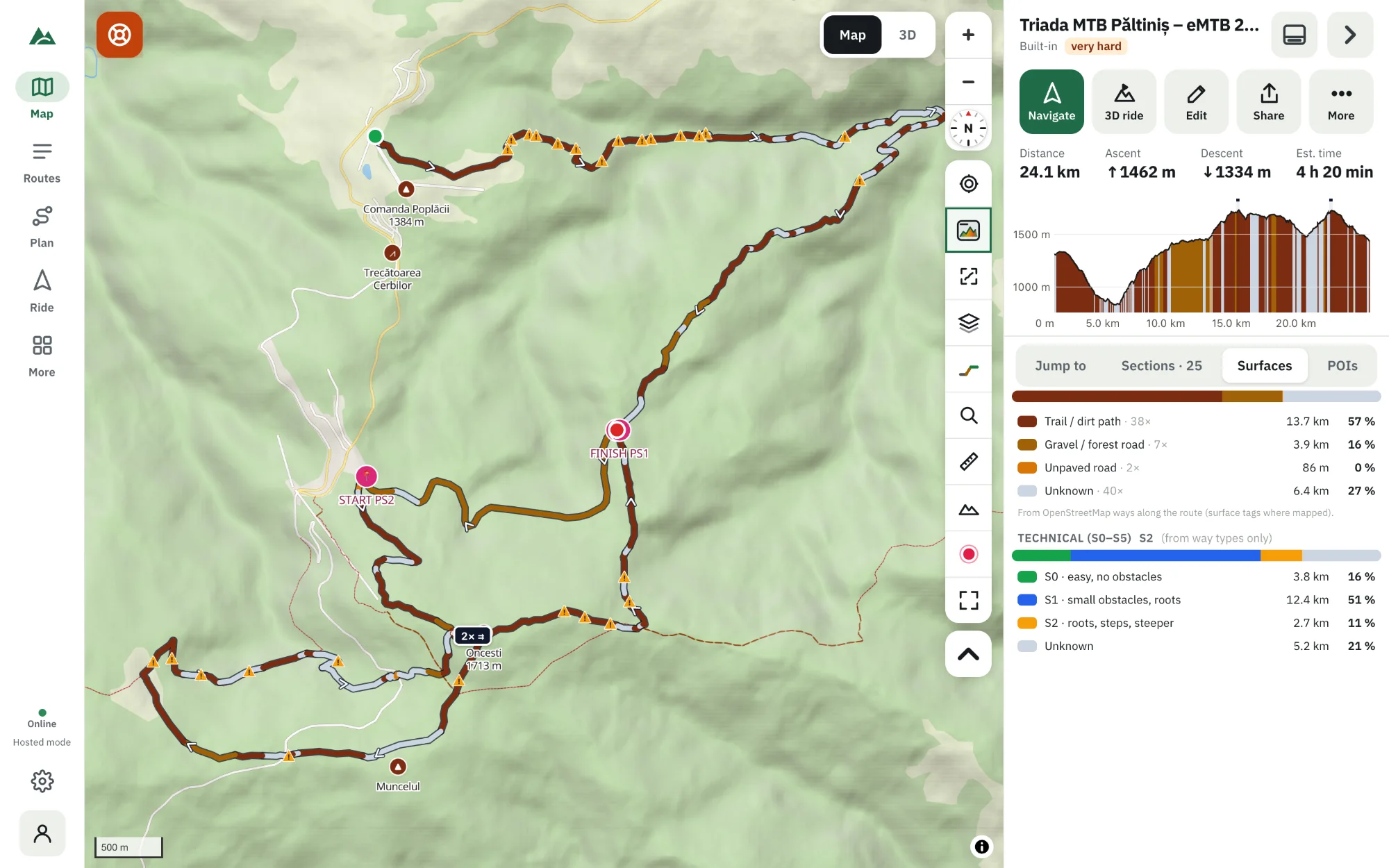
TrailScout reads the grade from OpenStreetMap tags of the ways the route uses — the MTB scale where mappers set it, the hiking scale translated where they didn't, and poor trail visibility as one grade harder. Where nothing is tagged, the way type decides (forest roads S0, untagged trails S1, steps S3), and very steep ground raises it: beyond ±18 % over 50 m is at least S1, beyond ±25 % at least S2. Open the Surfaces tab to see the technical profile along the route.
3. Surfaces
Colour the route by Surface (key G) and the Surfaces tab shows the share of the route on asphalt, cycle path, unpaved road, gravel or forest road, trail and steps. Tap a row to see the longest stretch on the map. A route with 60 % trail is a different day from one with 60 % asphalt, even at the same distance and ascent.
4. Attention: the danger spots
The Attention markers flag places to look at before you go:
- Steep drops — sudden steep descents.
- Hairpins — tight bends, often on steep ground.
- Gaps in the track — where the route data jumps (a missing piece of the GPX).
- Road crossings — where you cross a bigger road.
Put it together
- Fitness: compare the rating and the estimated time with your recent rides.
- Technique: look for S3 and above. Is it short enough to walk if needed?
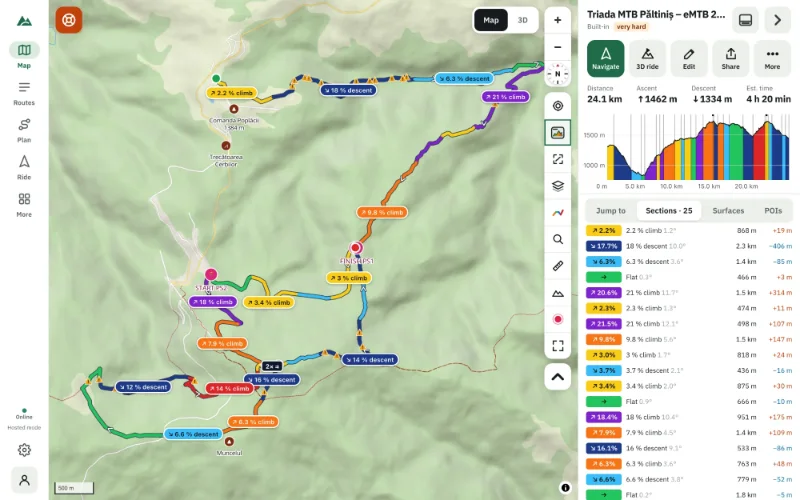
- Climbs: check the steepest climb and the biggest climbs.
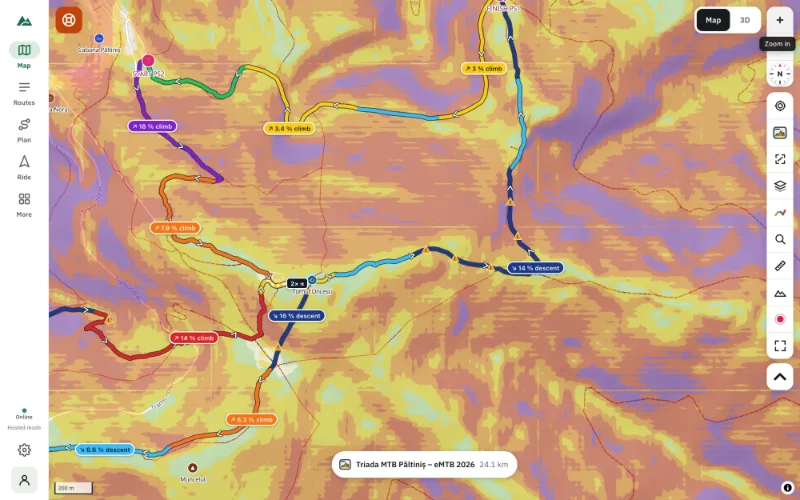
- Look: fly over the hardest part in 3D and check the slope map.
- Conditions: wet roots turn S1 into S2 — check the weather.
Frequently asked questions
What does S2 mean on a mountain-bike trail?
Roots and steps, steeper sections and tighter turns. Rideable for most experienced riders; beginners may walk parts.
Where does the technical grade come from?
From OpenStreetMap tags on the ways along the route, matched within 15 m. Not every trail is graded, so untagged trails get a default from their type.
Is the difficulty rating reliable?
It's a good first estimate. Map data can be wrong or out of date, and conditions change. Always judge the terrain yourself.
Can I change the difficulty of my own route?
Yes — in the route's Details you can set it yourself instead of Automatic.
Try it on your next ride
TrailScout is free, needs no account and keeps your routes on your device. It runs in the browser on phones, tablets and computers — and works offline.
Open TrailScout →