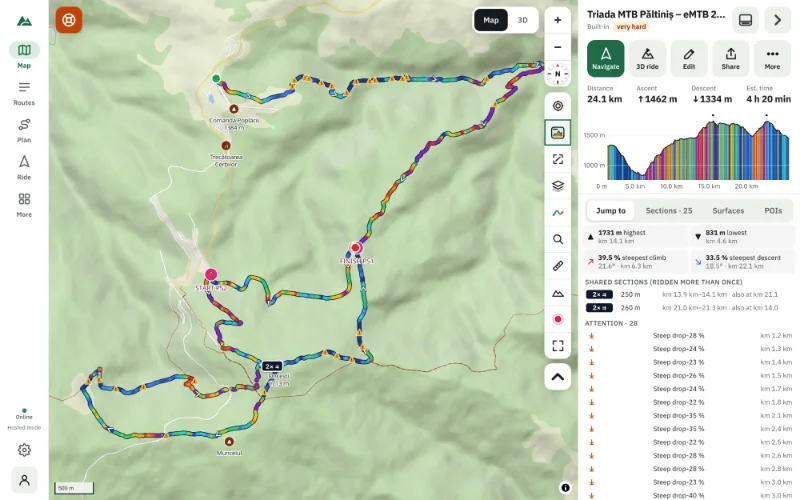
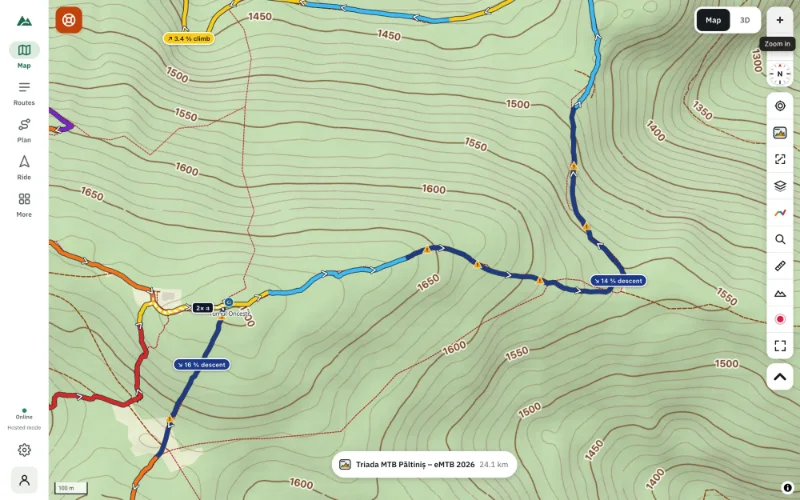
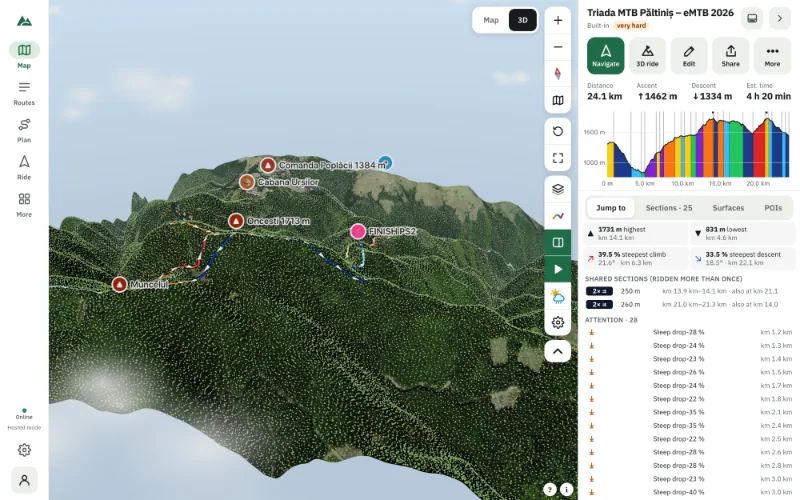
Slope Maps for MTB: Spot Steep Terrain Before It Surprises You
Turn on slope shading to see where the mountainside is gentle, steep or very steep — and why it matters for trail choice, pushing the bike and safety.
Quick answer
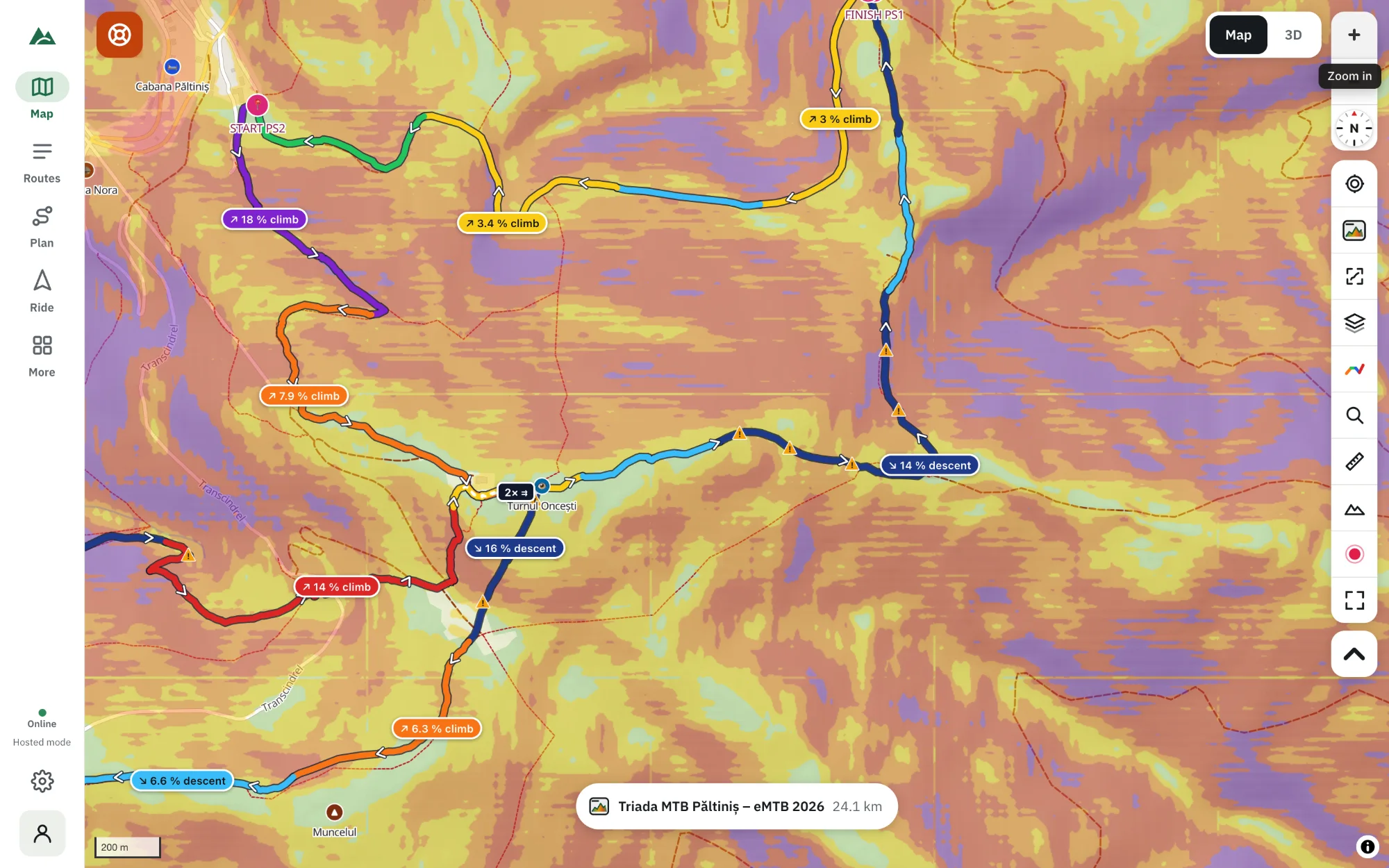
A slope map colours the ground by how steep it is. In TrailScout, open the map layers (Maps & terrain), tick Slope steepness under Terrain and the map shades every slope in four classes — 10–20 %, 20–30 %, 30–45 % and above 45 %. Use it to see which side of a valley a trail traverses, where a shortcut would be too steep, and where off-trail pushing is realistic.
Key takeaways
- Slope shading shows the steepness of the ground, not of your trail: a flat traverse can cross a steep slope.
- Four classes: 10–20 %, 20–30 %, 30–45 % and above 45 % (about 24°).
- Combine it with contour lines and hillshade for the clearest picture.
- The terrain tiles are cached, and an offline area keeps them for use without signal.
The elevation profile tells you how steep your line is. It says nothing about the ground around it: whether the trail clings to a 40° slope, whether that tempting shortcut down the fall line is a cliff, or whether you could push your bike up the side of the valley if you had to. A slope map answers those questions at a glance.
What a slope map shows
Every pixel of the terrain model gets the steepness of the ground at that spot. TrailScout draws four classes on top of the map:
| Shading | Slope | Degrees | What it means for a rider |
|---|---|---|---|
| lightest | 10–20 % | 6–11° | rolling ground; easy off-trail pushing |
| light | 20–30 % | 11–17° | steep; trails here zig-zag |
| dark | 30–45 % | 17–24° | very steep; trails are cut into the slope |
| darkest | above 45 % | above 24° | exposed; falls can be serious, rock fall possible |
Ground under 10 % is not shaded, so valley floors, plateaus and ridges stay clean.
How to turn on slope shading
- Open TrailScout and the map.
- Press the layers button (Maps & terrain).
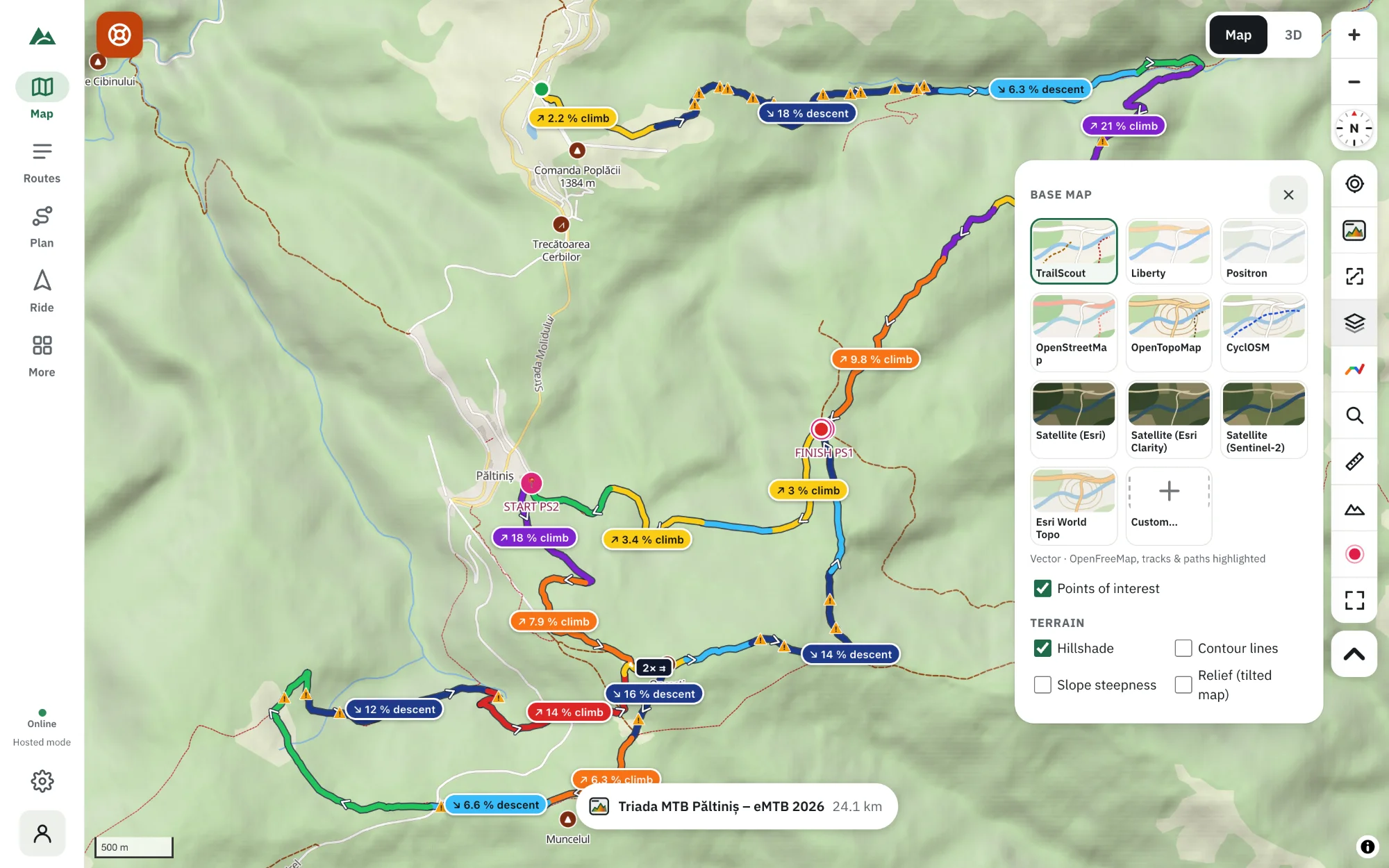
- Under Terrain, tick Slope steepness. Keep Hillshade on for relief, and add Contour lines if you want heights.
- Zoom in to the part of the route you want to check — the shading gets sharper as you zoom.
Five ways to use a slope map on a ride plan
- Read a traverse. A trail drawn across dark shading is cut into a steep slope — expect a narrow, exposed path, and possibly a drop on one side.
- Judge shortcuts. Two trails close together on the map can be 200 m apart vertically. If the ground between them is dark, there is no shortcut.
- Plan off-trail pushing. If you need to leave the trail, light shading means you can push; dark means you can't safely.
- Find the gentle way up. Switchbacks sit on the light classes; the fall line is usually the dark one.
- Think about weather. Steep, open slopes are where snow lingers in spring, and wet steep ground is slippery. In winter, slopes of about 30–45° are the classic avalanche terrain — slope shading is a planning aid, not an avalanche forecast.
Slope of the ground vs gradient of the route
They are different numbers. A forest road can be flat (2 %) while crossing a 35 % slope; a trail straight up a gentle ridge can be 20 % while the ground around it is mostly flat. Use the gradient colours and the profile for the route itself and the slope map for the terrain around it.
Get the clearest picture
- Hillshade + slope + contours together: the shading shows shape, the slope colours show danger, the contour lines show exact heights.
- Relief (tilted map) under Terrain tilts the map over the terrain — tilt with right-drag or two fingers.
- For a full 3D look with trees and imagery, open the 3D view.
Slope maps offline
The slope layer is computed on your device from terrain tiles, which are cached as you browse. To be sure you have them in the mountains, download an offline area — it includes the terrain.
Frequently asked questions
Is a slope map the same as an avalanche map?
No. It shows terrain steepness, which is one ingredient of avalanche risk. Always use the local avalanche bulletin in winter.
How accurate is the slope shading?
It is computed from a terrain model with pixels of roughly 13–30 m (43–100 ft), so it shows the shape of slopes well but misses small cliffs, banks and rock steps.
Does slope shading work offline?
Yes, once the terrain tiles are on your device — from browsing the area before or from an offline area.
Why is a steep trail on light shading?
The trail may go straight up a gentle ridge. The trail's own gradient is shown by the route colours and the elevation profile.
Try it on your next ride
TrailScout is free, needs no account and keeps your routes on your device. It runs in the browser on phones, tablets and computers — and works offline.
Open TrailScout →