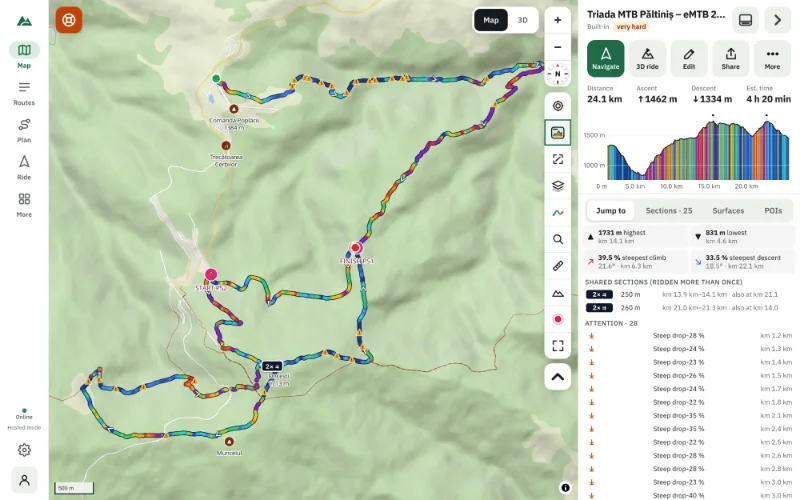
How to Read Contour Lines on a Trail Map: A Beginner's Guide
Contour lines explained for hikers and mountain bikers — spacing, intervals, ridges, valleys and saddles — and how to turn them on in a free online map.
Quick answer
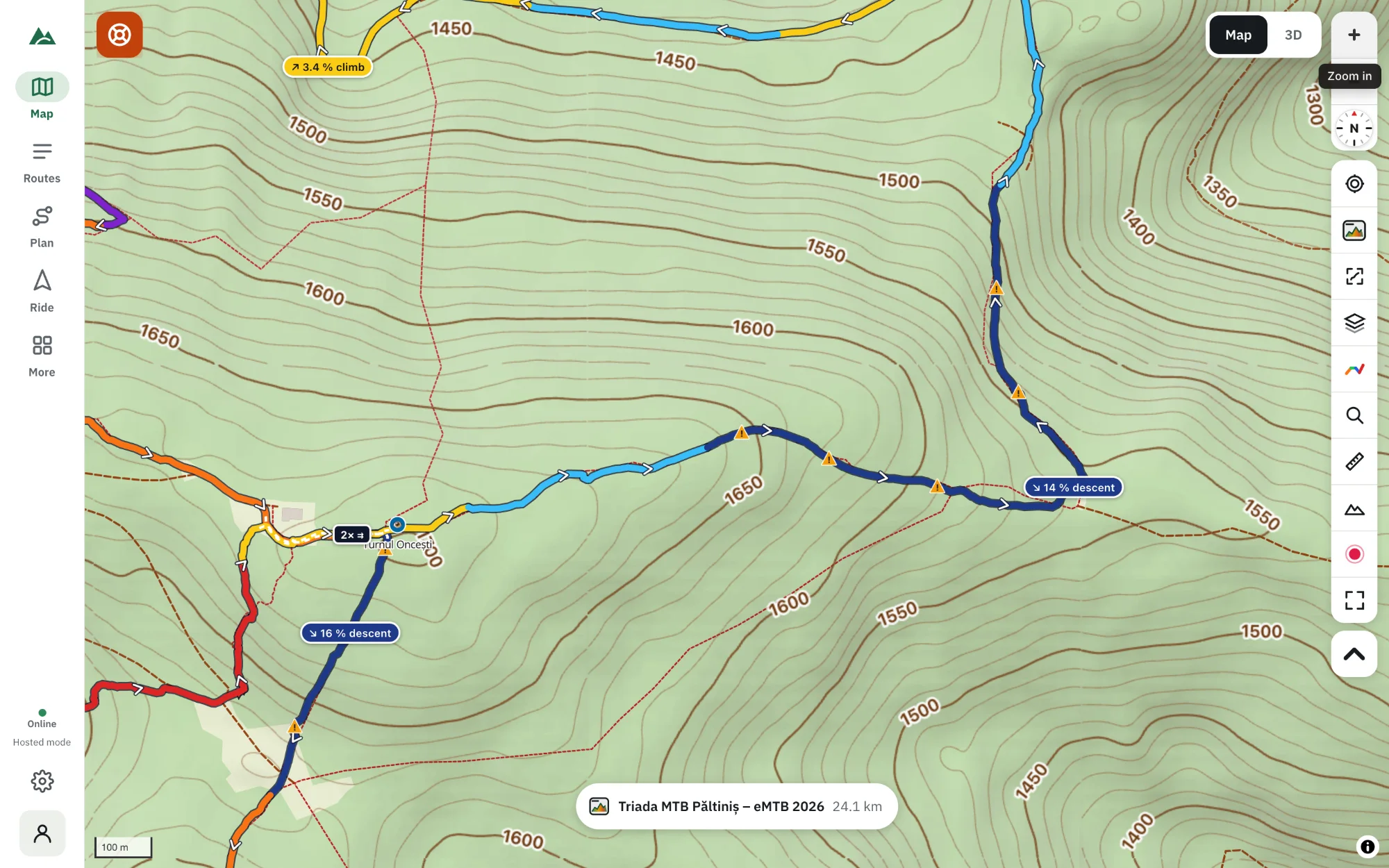
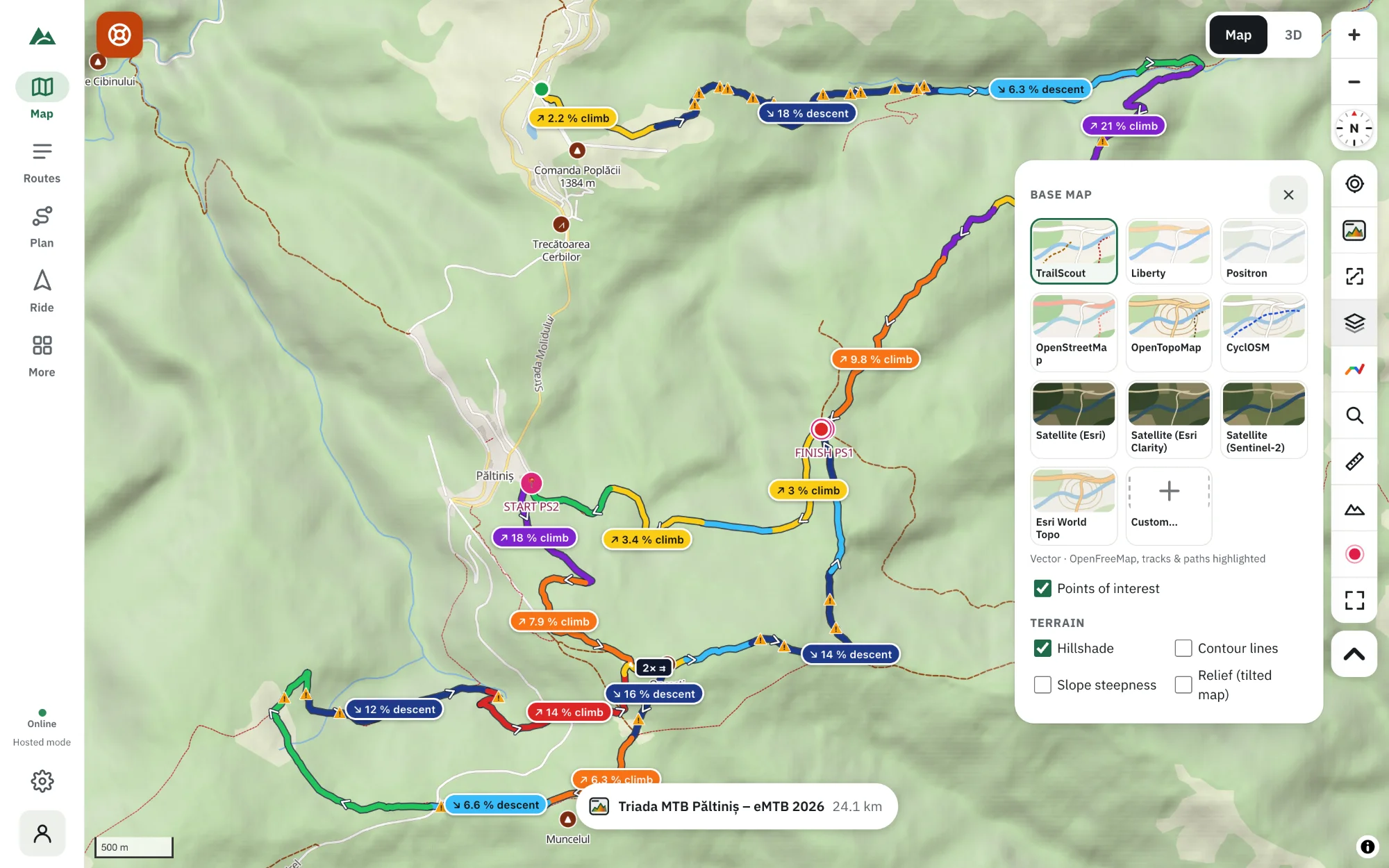
A contour line joins points of the same height. Lines close together mean steep ground, lines far apart mean gentle ground; V-shapes pointing uphill are valleys, V-shapes pointing downhill are ridges, and an hourglass shape between two summits is a saddle. In TrailScout, open Maps & terrain and tick Contour lines — they appear with height labels, every 10 to 200 m depending on the zoom.
Key takeaways
- A contour line connects points at the same height; crossing one means climbing or descending one interval.
- Close lines = steep, wide gaps = gentle.
- V-shapes pointing uphill are valleys; pointing downhill they are ridges.
- TrailScout draws labelled contours from 10 m to 200 m intervals depending on the zoom.
Contour lines are the oldest way of showing mountains on a flat map, and still one of the most precise. Once you can read them, a map tells you not only where a trail goes but what it will feel like under your wheels or boots.
What a contour line is
Imagine slicing a mountain horizontally every 20 m and drawing the edge of each slice on the map. Each line joins points at exactly the same height. Walk along a contour line and you stay level; cross one and you have climbed or descended one interval.
The interval
The contour interval is the height difference between neighbouring lines. In TrailScout it changes with the zoom — from 200 m when you look at a whole range down to 10 m when you zoom in on a hillside — and the lines carry height labels so you never have to guess.
Five shapes to recognise
- Close lines — steep ground. Many lines in a short distance means a lot of height change. On a trail, expect a hard climb or a technical descent.
- Wide gaps — gentle ground. Easy riding, a plateau or a valley floor.
- Closed rings — summits. The smallest ring is the top. TrailScout also marks peaks with their names and heights; tap one to learn more about the peak.
- V-shapes — valleys and ridges. Where the V points uphill, it is a valley (often with a stream). Where it points downhill, it is a ridge or spur.
- Hourglass — saddles. The low point between two summits, where trails usually cross a ridge.
How to show contour lines in TrailScout
- Open TrailScout and the map.
- Press the layers button (Maps & terrain).
- Under Terrain, tick Contour lines. Keep Hillshade on for a 3D feel.
- Zoom in to see more lines and finer intervals.
The contours are computed on your device from the terrain model, so they work on every base map — even satellite imagery.
Contours and your route
- A route that runs along the lines stays level — a traverse.
- A route that cuts across many lines in a short distance is steep — check its gradient.
- Switchbacks appear where a trail zig-zags across close lines to keep its own gradient low.
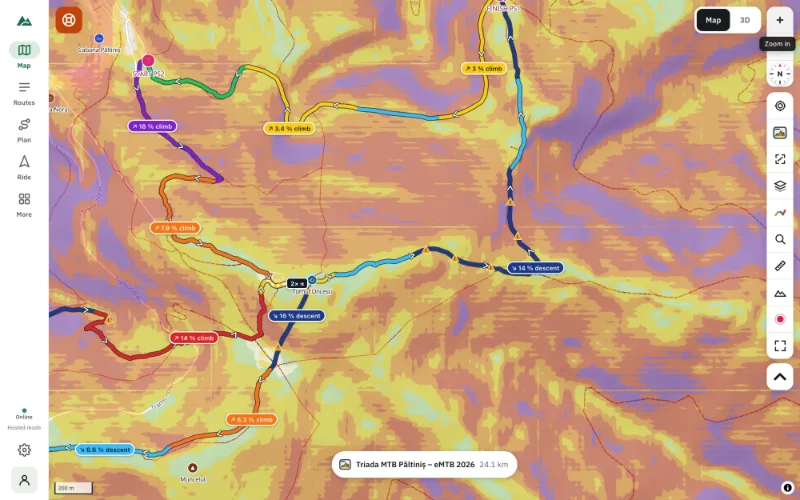
- Combine contours with slope shading to see at once which slopes are dangerous.
When contours aren't enough
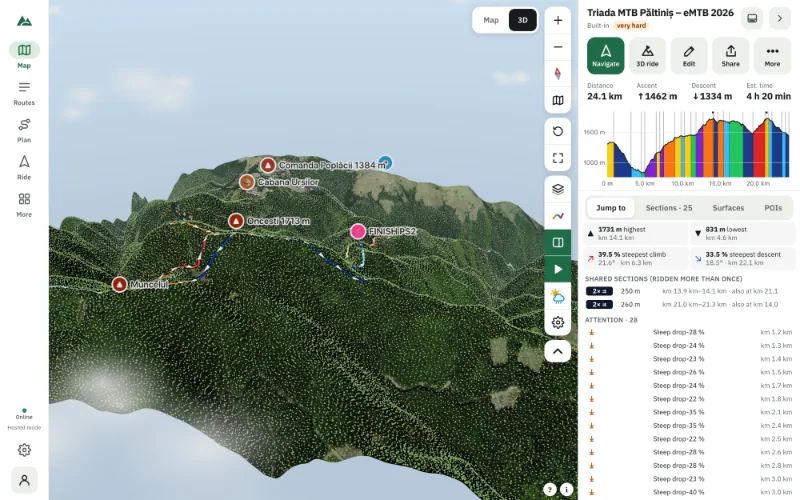
Contours flatten the world. If you find them hard to picture, open the 3D view: the same terrain with imagery draped on it, trees and buildings, and your route as a ribbon.
Frequently asked questions
What does it mean when contour lines are close together?
The ground is steep: a lot of height change in a short horizontal distance.
How do I know if a slope goes up or down?
Read the height labels on the lines, or look for peaks (rings) and streams (in the bottom of valleys).
What is a good contour interval for hiking or biking?
10–20 m (30–60 ft) shows trail-level detail. TrailScout switches automatically as you zoom.
Do contour lines work offline?
Yes, once the terrain tiles for the area are on your device — download an offline area before you go.
Try it on your next ride
TrailScout is free, needs no account and keeps your routes on your device. It runs in the browser on phones, tablets and computers — and works offline.
Open TrailScout →