Off-Route Alerts for Cycling: How to Get Back on Track Fast
How off-route warnings work, why they ignore GPS wobble, and three ways back: the arrow, a route back to the trail, or a new route to your destination.
Quick answer
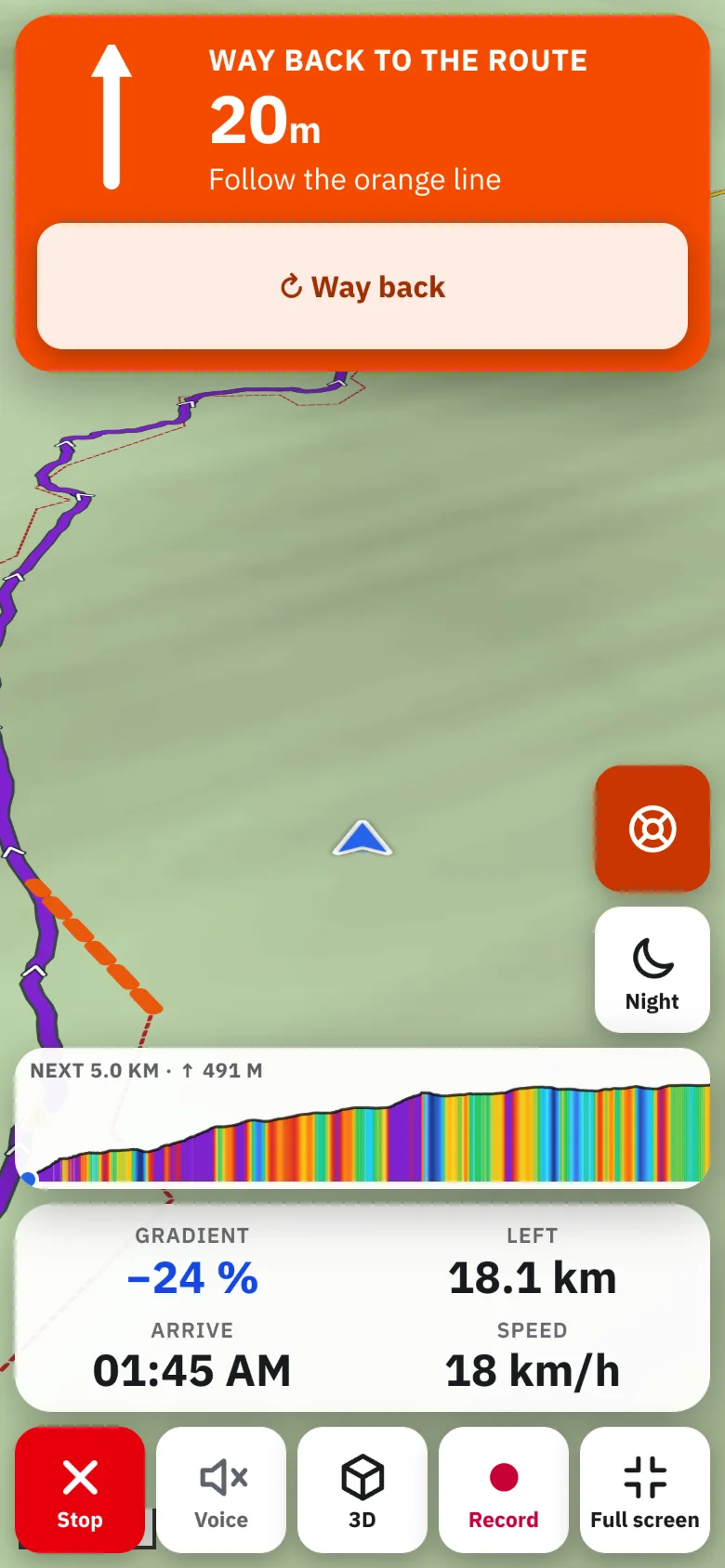
In TrailScout's Bike GPS you are off route when you are more than about 40 m (130 ft) from the route for 4 seconds; you are back on it within 25 m (80 ft). When it happens, the screen shows Off route with the distance back and an arrow to the route, the voice says “You are off the route. Back to the route: 150 metres”, and the phone can vibrate. Follow the arrow, press Way back for a route back along trails, or Recalculate to destination for a new route from where you are.
Key takeaways
- The 40 m threshold and 4-second hold stop false alarms from GPS jitter in forests and gorges.
- The arrow always works, even offline.
- Way back finds a way to the route ahead — not back to where you left it.
- Recalculate makes a new route to the destination with the same kind of route.
Missing a turn is part of riding new trails. What matters is noticing quickly — before you've descended 200 m into the wrong valley — and knowing the easiest way back. Here's how off-route alerts work in TrailScout's Bike GPS, and what to do when you get one.
When you're “off route”
Bike GPS compares your position with the route every second:
- Off: more than 40 m (130 ft) from the route for 4 seconds.
- Back on: within 25 m (80 ft) of the route.
The gap between the two numbers and the short hold keep the warning quiet when the GPS wobbles — under trees, between rock walls, or when the route and the trail run side by side a few metres apart.
What happens
- The screen switches to Off route with the distance back to the route and an arrow pointing to it.
- With voice on: “You are off the route. Back to the route: 150 metres.”
- On Android, the phone vibrates if you turned it on.
- When you rejoin: “Back on the route.”
Three ways back
| Option | When to use it | Needs a connection |
|---|---|---|
| Follow the arrow | you just missed a turn; the route is close | no |
| Way back | the route is further away; you want a route back along trails to the route ahead | yes |
| Recalculate to destination | you want to change plan — a new route from here to the end, same kind of route | yes |
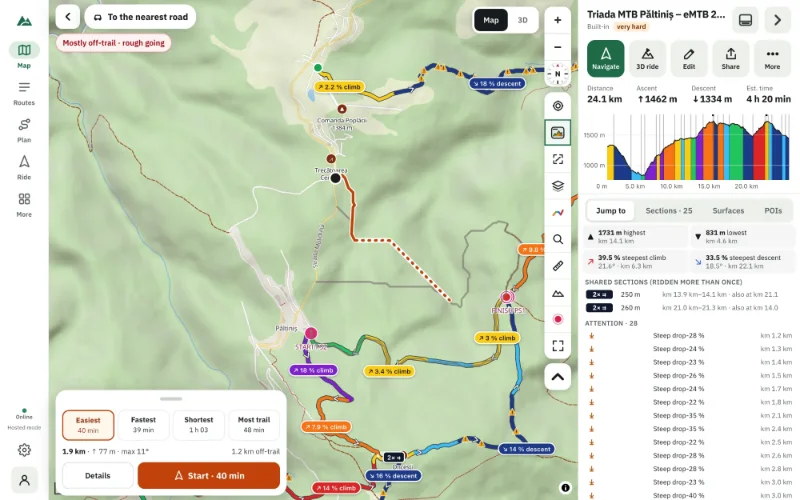
Way back draws an orange line to the route ahead and guides you along it (“Way back to the route: 600 metres”). It doesn't send you back to where you left — usually the best way to rejoin is further on.
Starting away from the route
If you start navigation far from the route, you choose between Go to the start (guidance to the start, then the whole route) and Follow route to end point (join at the nearest point and ride only the rest — useful when you're picking up a route half-way).
When it's serious
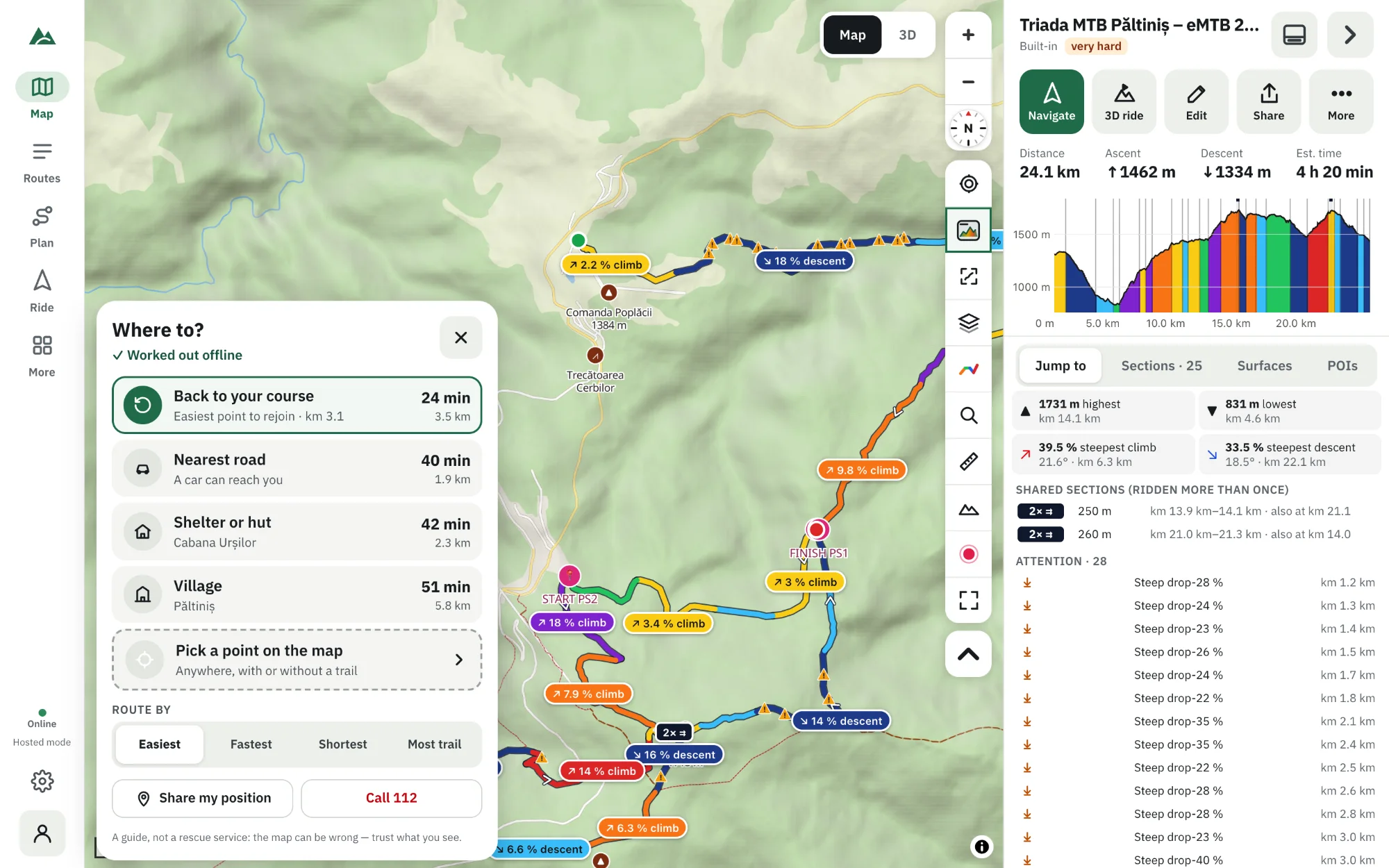
If you're lost, tired or the weather turns, getting back to the planned route may not be the best idea. Emergency mode works out the easiest way to a road, a hut, a village or back to your course — offline. See offline emergency routing.
Tips to stay on route
- Turn on voice prompts — you hear the turn before you reach it.
- Use the 3D view in Bike GPS; the way ahead is at the top.
- Do a virtual ride before a tricky route to remember the junctions.
- Download an offline area so the map is sharp even without signal.
Frequently asked questions
Why didn't I get an off-route warning at once?
The warning waits for 4 seconds more than 40 m away so GPS jitter doesn't trigger it. At riding speed you hear it within a few seconds of the wrong turn.
Does the off-route alert work offline?
Yes — the warning, the distance and the arrow need only GPS. Way back and Recalculate need a connection.
Can I turn the voice off but keep the warning?
Yes. The warning and arrow stay on screen with the voice off; vibration works on Android.
What if the route itself is wrong (a closed trail)?
Use Recalculate to destination, or Way back to rejoin further on.
Try it on your next ride
TrailScout is free, needs no account and keeps your routes on your device. It runs in the browser on phones, tablets and computers — and works offline.
Open TrailScout →