Lost Without Signal? How Offline Emergency Routing Gets You Home
Emergency mode finds the easiest way to your course, the nearest road, a hut or a village — offline, from the map data on your phone — and guides you.
Quick answer
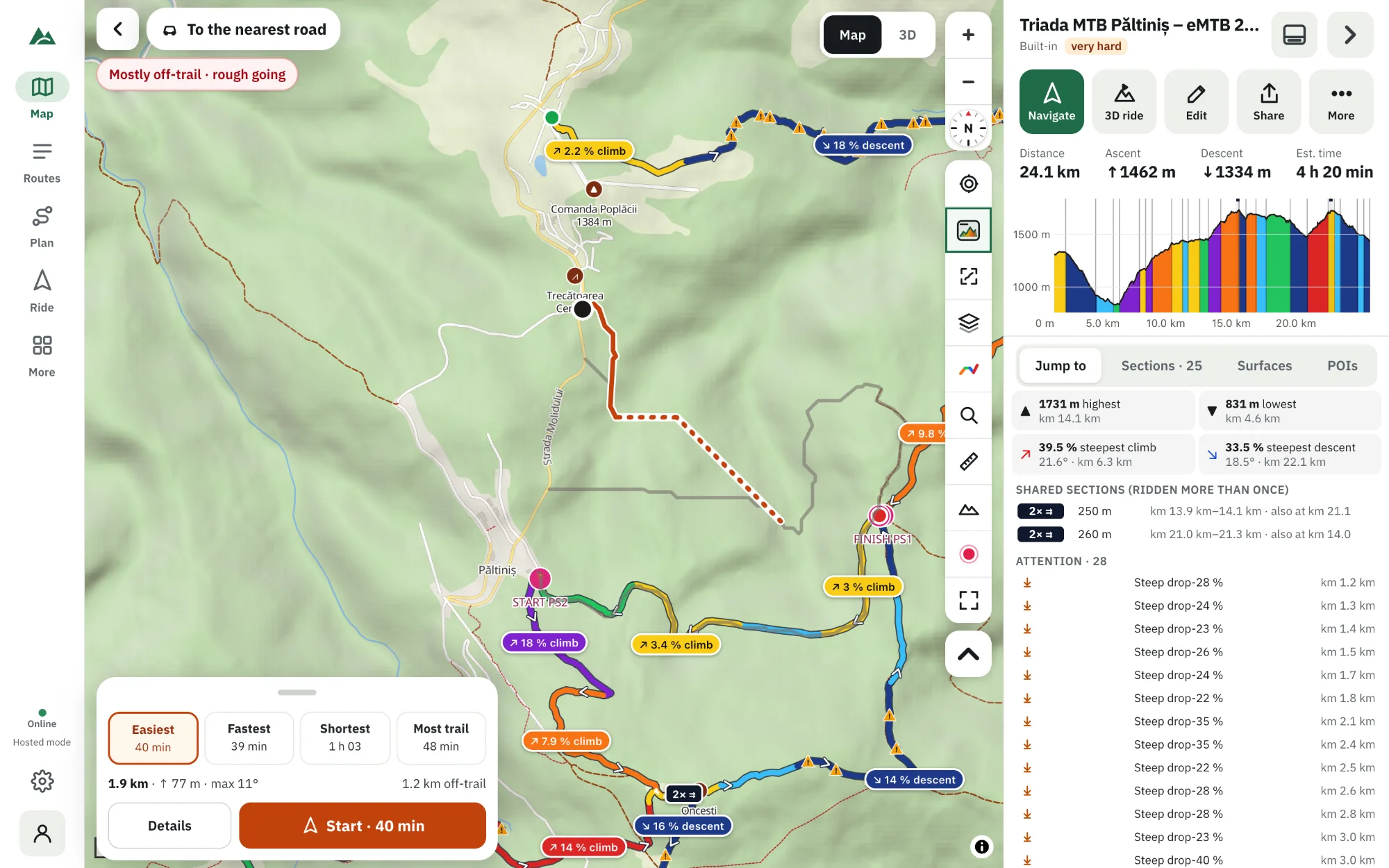
In TrailScout, while a route is open, press the Emergency mode button at the top-left of the map (or in Bike GPS). It finds your position and, offline, works out the ways to four destinations — back to your course, the nearest road, a shelter or hut, a village — or any point you tap. Choose Easiest, Fastest, Shortest or Most trail, compare distance, time, climbing, maximum slope and streams to wade, and press Start to be guided there with voice. Share my position and Call 112 are one tap away.
Key takeaways
- Works without signal, from the terrain and map data already on your phone (an offline area or recently viewed map).
- Never routes over cliffs (steeper than 35°) or through rivers and lakes; bridges and fords are used.
- Combines trails and roads with open ground, so it can get you off a trail-less slope.
- It's a guide, not a rescue service — the map can be wrong; trust what you see.
A broken derailleur at dusk, an injured friend, a storm on the ridge, or simply lost in a forest with no signal: the question becomes “what is the easiest way out of here?” — not “how do I finish the planned route?”. Emergency mode answers that question, offline.
How to use Emergency mode
- With a route open, press Emergency mode — the button at the top-left of the map (or in Bike GPS).
- TrailScout finds your position. (No GPS? Use the map's centre.)
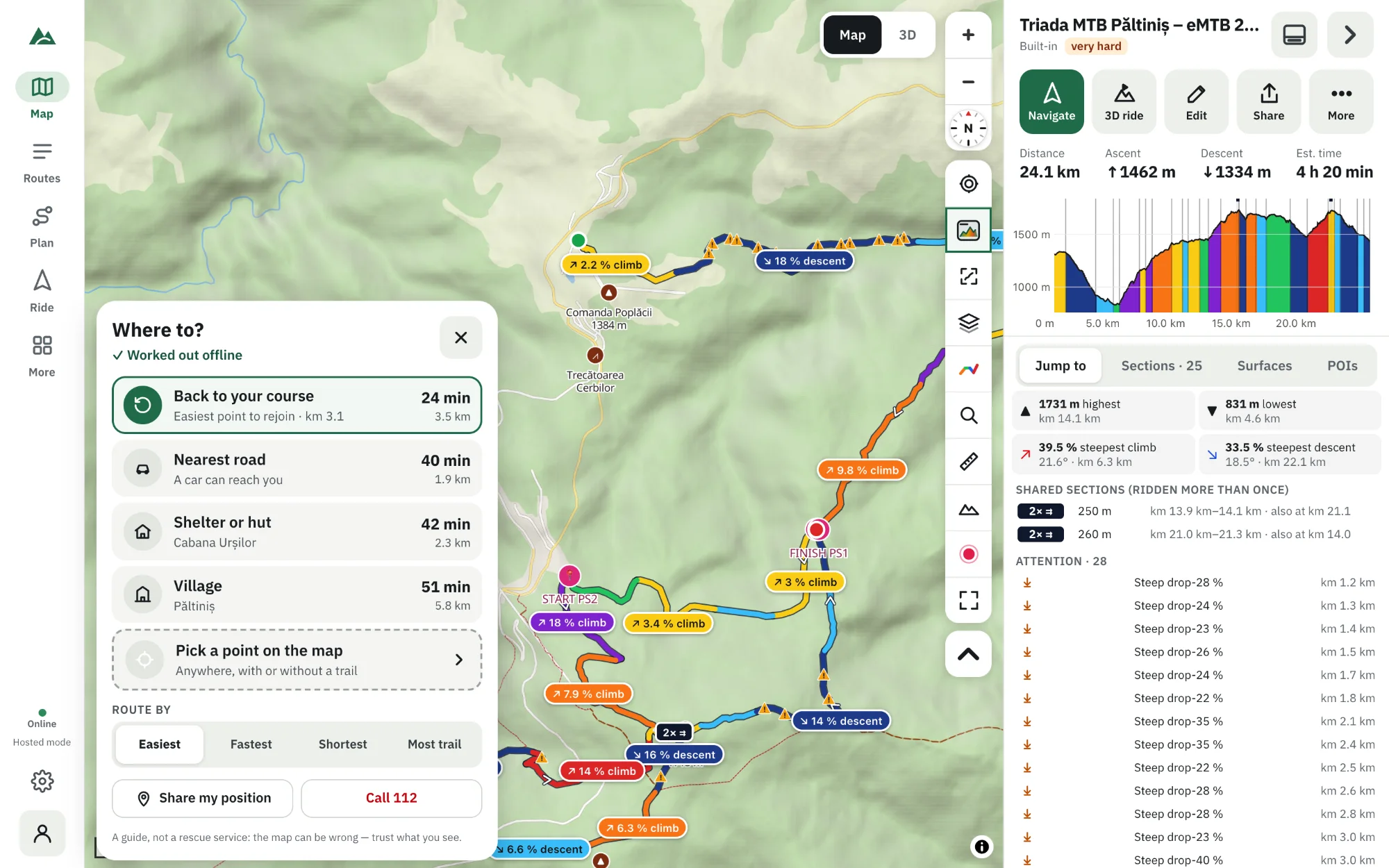
- In a few seconds you see Where to? with the best way to each destination, worked out offline:
- Back to your course — the easiest point to rejoin, with its km.
- Nearest road — where a car can reach you.
- Shelter or hut.
- Village — water, food, people.
- Pick a point on the map — anywhere, with or without a trail.
- Choose how to route: Easiest (least climbing, gentle slopes, little off-trail), Fastest, Shortest (can be steep) or Most trail.
- Tap a destination to preview the way: distance, time, up and down, maximum slope, off-trail distance and streams to wade.
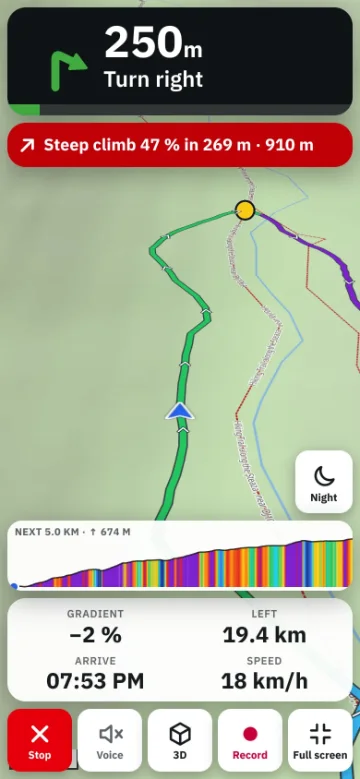
- Press Start and follow the guidance — the direction to head, then the trail — with voice prompts.
How it works without a connection
TrailScout turns the area around you into a grid of 15–40 m cells using what's already on your phone: terrain heights and map data (trails, roads, forests, open ground, rivers, lakes, huts, villages). It then searches for the best way over that grid:
- On trails and roads where they help, across open ground where they don't.
- Never over cliffs — ground steeper than about 35° — and never through rivers or lakes; bridges and fords are used, small streams cost a little.
- Forest, wetland, rock, grass and ice slow you down by different amounts.
If part of the area has no data, it says so: steepness is guessed where terrain is missing, and trails and rivers are unknown where map data is missing.
Make sure it can work
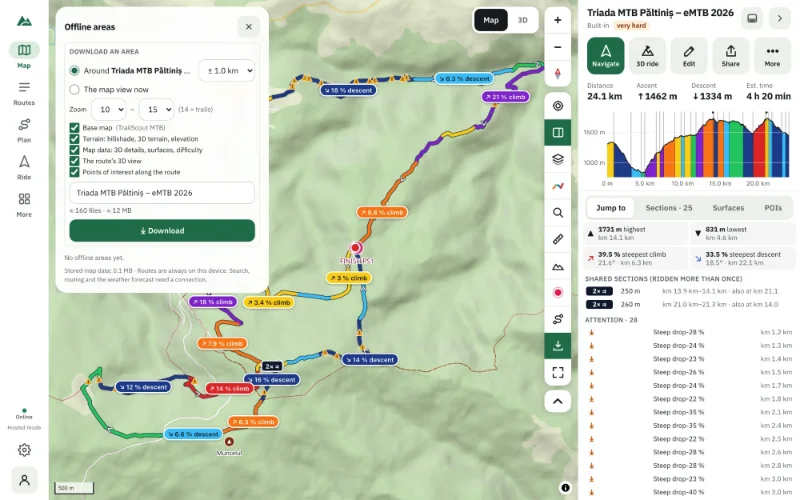
Emergency mode needs the area's data on the phone. The surest way: download an offline area for every route into remote terrain, with Terrain and Map data included. Areas you browsed recently are usually cached too.
While you're guided
- Share my position sends your coordinates and a map link through messages or mail (works with even a trace of signal or SMS).
- Call 112 dials the European emergency number.
- If you drift more than a few dozen metres off the line, a new way is worked out.
- End emergency stops guiding.
Frequently asked questions
Does Emergency mode need internet?
No. It works out the ways from terrain and map data already stored on your phone.
Can it route where there is no trail?
Yes — across open ground and forest when that's the best way, avoiding cliffs and water.
Which emergency number does it call?
112, the emergency number across Europe and on most mobile phones worldwide.
How far does it look?
Around your position and your destination — far enough for the nearest roads, huts and villages in most mountain areas. If none is found, it says “None within” that distance.
Try it on your next ride
TrailScout is free, needs no account and keeps your routes on your device. It runs in the browser on phones, tablets and computers — and works offline.
Open TrailScout →