Trail Safety Checklist: What to Check Before a Remote MTB Ride
A pre-ride checklist for remote MTB and hiking routes: difficulty, daylight, weather, water, bail-outs, offline maps, battery and live location sharing.
Quick answer
Before a remote ride check twelve things — fitness difficulty, technical grade, the steepest and longest climbs, daylight (will you finish before sunset?), the weather at the time you reach each part, water and shelter along the route, bail-out roads and villages, an offline area downloaded, phone battery and power bank, someone who knows your plan (or live position sharing), Emergency mode ready, and the bike and kit. TrailScout covers most of them from one screen.
Key takeaways
- Most problems on remote rides start at home — with daylight, water and weather.
- Know your bail-outs before you need them.
- Download offline maps and keep the phone charged — it's your map, light and phone.
- Tell someone your plan, or share your live position with a private link.
Remote rides are the best rides — and the ones where small mistakes get big. Most trouble on the trail starts with something you could have checked at home. Here is a checklist you can run in ten minutes with TrailScout.
The checklist
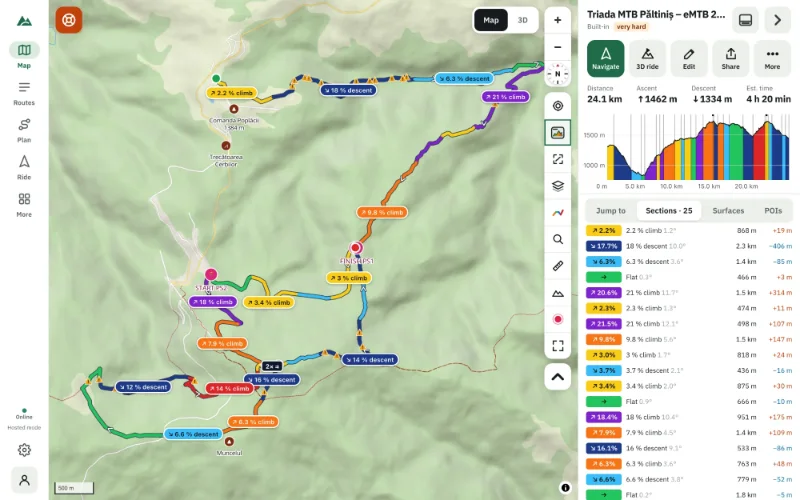
- Fitness difficulty. Distance, ascent and estimated time with your rider model. Is it within what you've ridden recently? → Rate a route's difficulty.
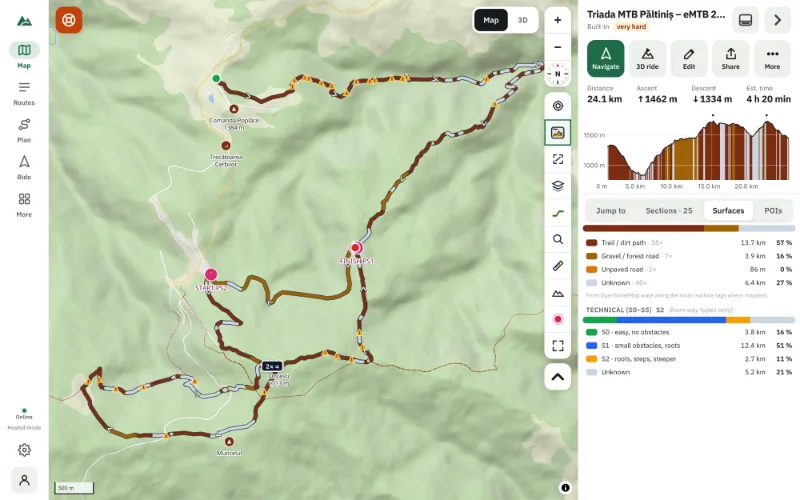
- Technical grade. Any S3 or harder? Short enough to walk if needed?
- The big climbs. Where are they, how long, how steep? → Find every climb.
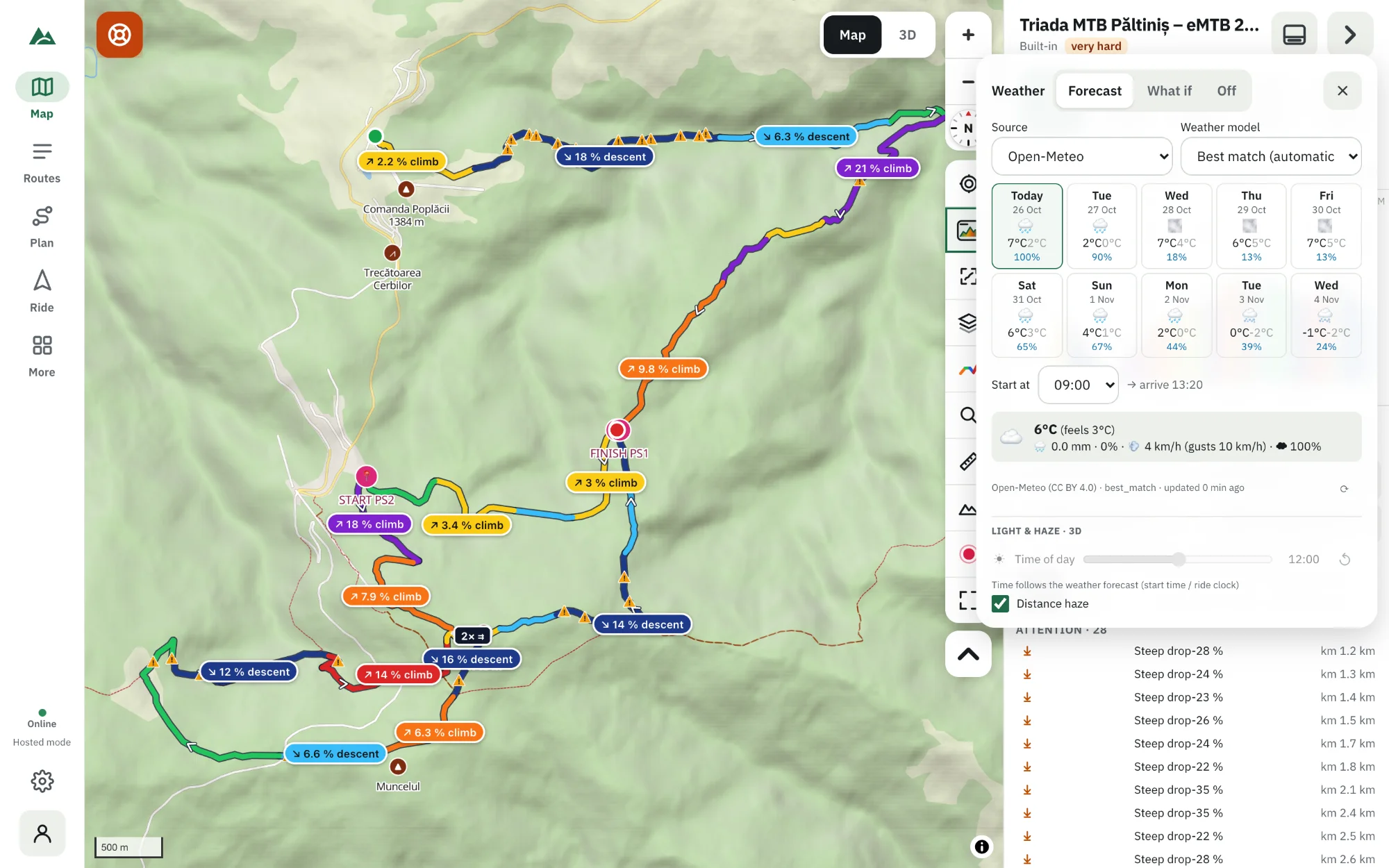
- Daylight. Start time + estimated time — do you finish before sunset? The weather panel warns you if not. → Sunrise and sunset timing.
- Weather at your arrival times. Thunderstorms, strong gusts, cold, rain — at the time you reach each part, not just in the valley in the morning. → Weather along your route.
- Water and shelter. Springs, huts, shops along the route; the place card shows the next water after each one. → Find water and shelters.
- Bail-outs. Where can you leave the route — roads, villages, valleys? Mark them on the route as spots.
- Offline maps. Download an offline area with terrain and map data.
- Battery. Phone charged, power bank, battery saver on. → Keep your phone screen on.
- Someone knows. Tell someone the route and your return time — or share your live position (below).
- Emergency mode ready. It needs the area's data on your phone — the offline area takes care of that. → Offline emergency routing.
- Bike and kit. Tubes, tools, light, layers, first aid, food — the trail doesn't check them for you.
Share your live position
With an account, Ride → Share live position creates a private link: whoever has it sees where you are, your track, the route and when you'll arrive — no account needed to watch. Choose how long (or until you stop), hide positions near home (500 m), or start a group ride so riders who join see each other. Positions update every 10 seconds and are deleted when the sharing ends.
On the trail
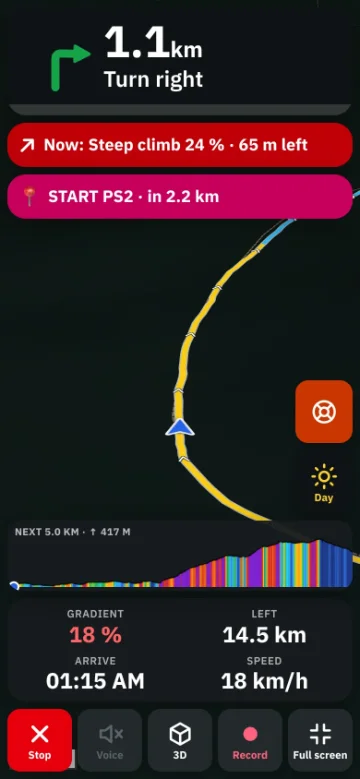
- Check the time at the halfway point. Behind schedule? Use a bail-out early.
- Watch the sky: the forecast warnings (thunderstorm around km X) are there for a reason.
- If something goes wrong, Emergency mode shows the easiest way to a road, a hut or a village, and Call 112 is a tap away.
Frequently asked questions
What should I check before a remote mountain-bike ride?
Difficulty, the big climbs, daylight, weather at your arrival times, water, bail-outs, offline maps, battery, who knows your plan, and your kit.
How can my family follow my ride?
Share your live position with a private link. They see your position, track and arrival time without an account.
What if I have no signal?
Offline maps, Bike GPS and Emergency mode work without signal. Share my position in Emergency mode needs at least some signal to send a message.
How do I know if I'll finish before dark?
Load the forecast with your start time: TrailScout warns you if you'd finish after sunset.
Try it on your next ride
TrailScout is free, needs no account and keeps your routes on your device. It runs in the browser on phones, tablets and computers — and works offline.
Open TrailScout →