Sunrise and Sunset at the Summit: Timing Your Ride Right
Find sunrise and sunset for any peak and the golden hour at viewpoints, see the sun in 3D, get warned before dark, and let Bike GPS go to night mode.
Quick answer
Tap a peak or viewpoint in TrailScout for its place card — it shows today's sunrise and sunset on the place's own clock, and a viewpoint's card adds the evening golden hour. To time a whole ride, load the forecast with your start time: it warns you if you'd finish after sunset. In the 3D view set the time of day to see the light and shadows at that hour, and in Bike GPS the night version switches on automatically at dusk.
Key takeaways
- A summit sees the sun earlier in the morning and later in the evening than the valley below it.
- Times are shown in the place's time zone, even when you plan from elsewhere.
- Work backwards from sunset with the estimated time to set your latest start.
- The 3D view shows which slopes are in sun or shade at any hour.
A sunrise on the summit, a golden-hour descent, home before dark — all three come down to timing. Here is how to get it right.
Sunrise and sunset for any peak, golden hour at viewpoints
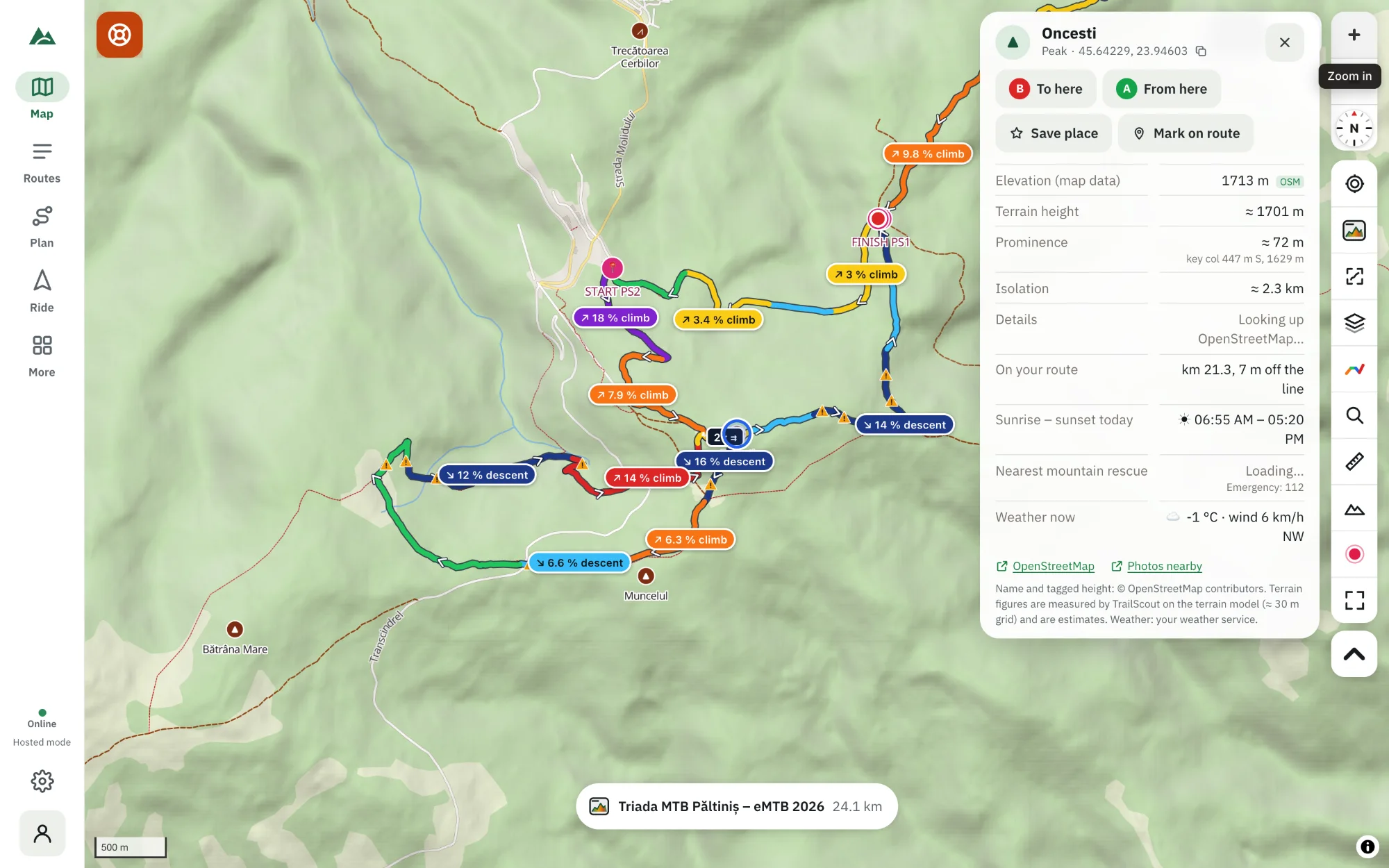
- Open the map in TrailScout and tap a peak or viewpoint.
- The place card shows Sunrise – sunset today. A viewpoint's card also shows the evening golden hour.
- The times are on the place's own clock — its local time zone is shown — so planning a trip abroad from home gives you the right times.
Want the view as well? The same card has a panorama from the summit.
Will I finish before dark?
- Open your route and the weather strip.
- Choose Forecast, the day and Start at.
- If the estimated time takes you past sunset, a warning appears: “You would finish after sunset (19:42)”.
- Move the start time earlier until it's gone — and keep a margin for stops and mechanicals.
The estimated time comes from your rider model; check it against your real rides (recordings show your moving time). See weather along your route.
See the light in 3D
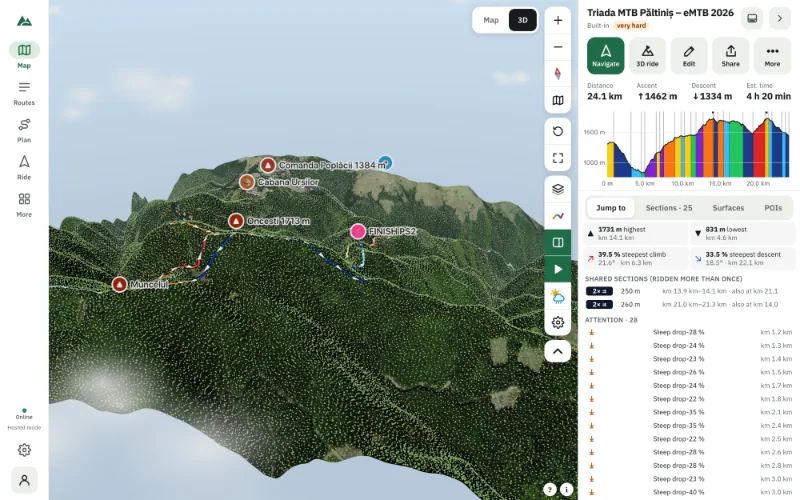
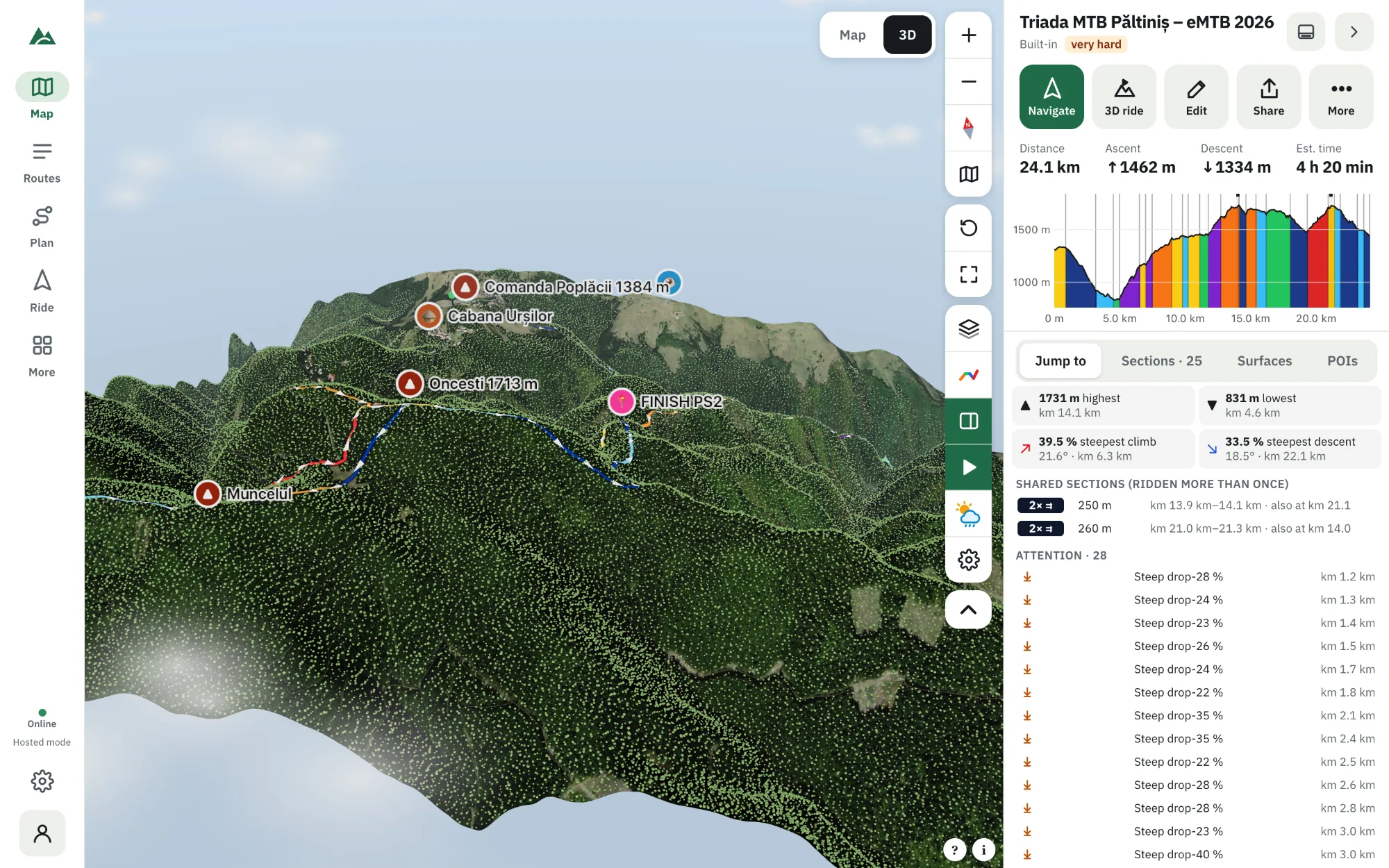
In the 3D view open ☁ Weather and set the time of day. The sun is placed where it really will be for that place and date, with shadows:
- Which side of the valley is in shade for a cool morning climb.
- Whether the descent faces the sunset (stunning — and blinding).
- When the summit gets the first light.
At night the 3D scene shows a starry sky, moonlight and lit windows; the rider has a lamp.
Riding into the night
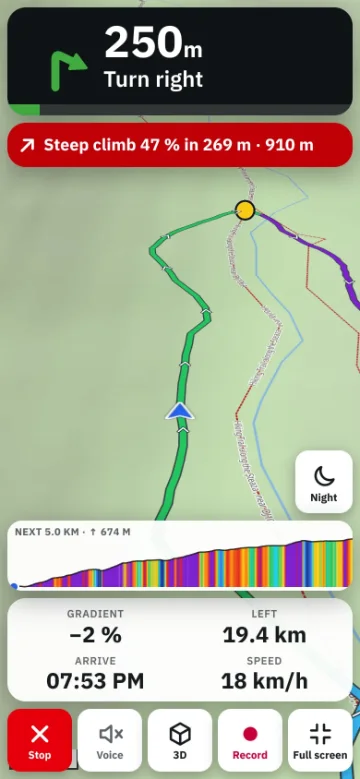
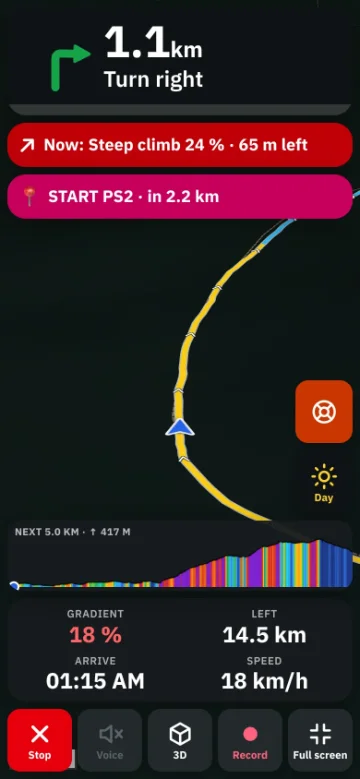
Bike GPS has a night version — dark map and panels — that switches on automatically at dusk where you are (or always, or never). It's easier on your eyes and on the battery. See keep your phone screen on.
Rules of thumb
- Summits see the sun earlier and later than valleys; deep valleys lose it early.
- Golden hour — the hour after sunrise and before sunset — gives the best light for photos.
- In the mountains, plan to be off exposed ground well before sunset; dusk comes quickly under trees.
Frequently asked questions
How do I find the sunset time on a mountain?
Tap the peak in TrailScout: the place card shows today's sunrise and sunset in the local time zone. Viewpoints also show the golden hour.
Can I see where the sun will be on a specific day?
Yes — in the 3D view, with a forecast for that day, set the time of day; the sun is placed for that place and date.
How do I know if I'll be back before dark?
Load the forecast with your start time; a warning appears if you'd finish after sunset.
Does Bike GPS have a night mode?
Yes — the night version, automatic at dusk by default.
Try it on your next ride
TrailScout is free, needs no account and keeps your routes on your device. It runs in the browser on phones, tablets and computers — and works offline.
Open TrailScout →