Save Places, Build Lists and Organise Your Bike Routes in Collections
Keep favourite spots in lists — trailheads, springs, cafés — and group routes into collections you can open on one map, on your device or in your account.
Quick answer
In TrailScout, save any place — a search result, a point you right-click on the map, or a place card — with Save place, into a list you choose (Saved, or a new one such as Trailheads or Springs). Saved places appear in Plan → Saved places and come first in every search. Group routes with ⋯ → Add to collection; open a collection to see all its routes on one map with filters. Everything is stored on your device, or in your account on all your devices.
Key takeaways
- Saved places are searched first — your trailhead is one letter away.
- Lists hold places; collections hold routes. A route can be in several collections.
- Opening a collection shows every route on one map, in its own colour, with filters.
- Stored on the device; with an account, synced to all your devices.
After a season of riding you have dozens of routes and a head full of places: the car park at the bottom of the best trail, the spring that never runs dry, the café with the bike rack. Here's how to keep them organised in TrailScout.
Save a place
- Find it — search a place, right-click (or long-press) the map, or tap a peak, hut or POI to open its card.
- Press Save place (☆).
- Pick a list — Saved, or New list (“Trailheads”, “Springs”, “Cafés”) — and add a note if you like.
Use your saved places
- Plan → Saved places lists them by list, with a search box. Tap one to see it on the map; edit its name, note or list; remove it.
- Saved places come first in every search — in the search box and in the A → B planner — so “Trailhead north” is found before any town of the same name.
- They show on the map with a star.
Collections: routes that belong together
A collection groups routes — “Transylvanian routes”, “Family rides”, “Race season”, the days of a bikepacking trip.
- In Routes, open a route's ⋯ menu → Add to collection.
- Tick one or more collections, or create a new one.
- Open Routes → Collections and press Open on a collection: all its routes on one map, each in its own colour, with distance and climbing filters, list and map views — like the explore map.
Deleting a collection keeps its routes in your library.
The library
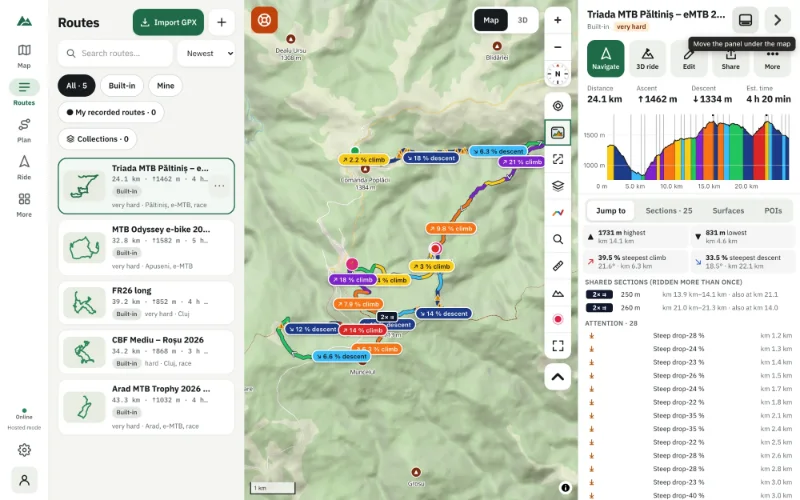
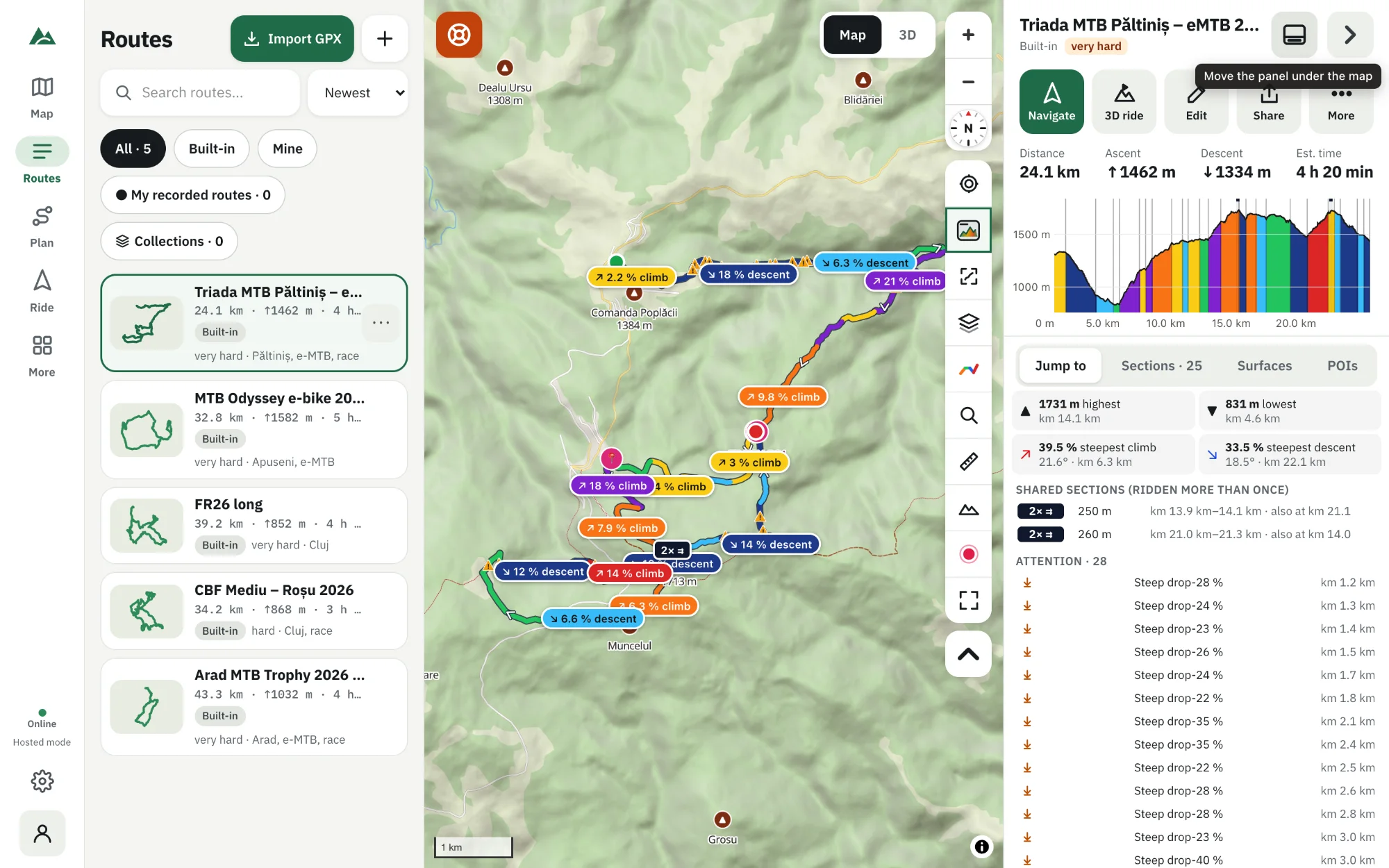
Routes shows your whole library with filters — All, Built-in (routes that come with the app), Mine (drawn or imported), My recorded routes and Collections — plus search and sorting by newest, name, longest or most ascent. Each route's menu has rename, details (description, tags, difficulty), versions, duplicate, export and delete.
On every device
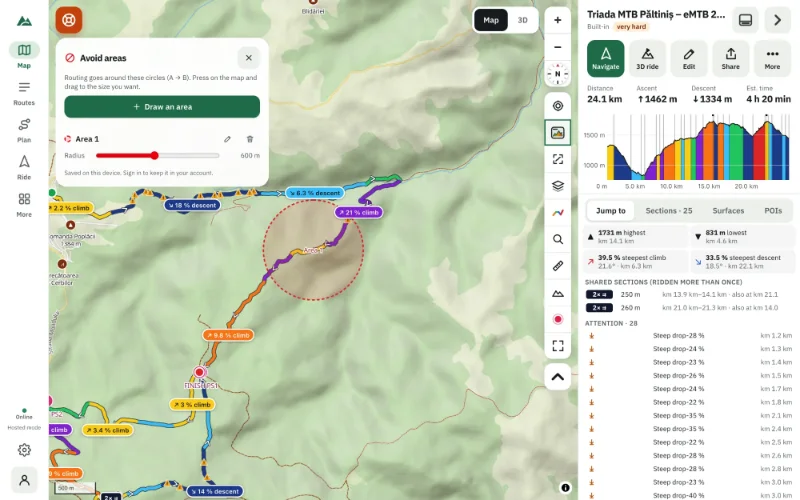
Without an account, places, lists, collections and avoid areas are stored on this device. Sign in (an e-mailed code, no password) and they're kept in your account, merged across all your devices. See why your routes stay on your device.
Frequently asked questions
Can I share a collection?
With an account on a TrailScout server, a collection can be shared with a link. Otherwise export its routes as GPX.
What's the difference between a list and a collection?
Lists hold places (points); collections hold routes.
Do saved places work offline?
Yes — they're stored on your device and searched without a connection.
Can a route be in several collections?
Yes, as many as you like.
Try it on your next ride
TrailScout is free, needs no account and keeps your routes on your device. It runs in the browser on phones, tablets and computers — and works offline.
Open TrailScout →